
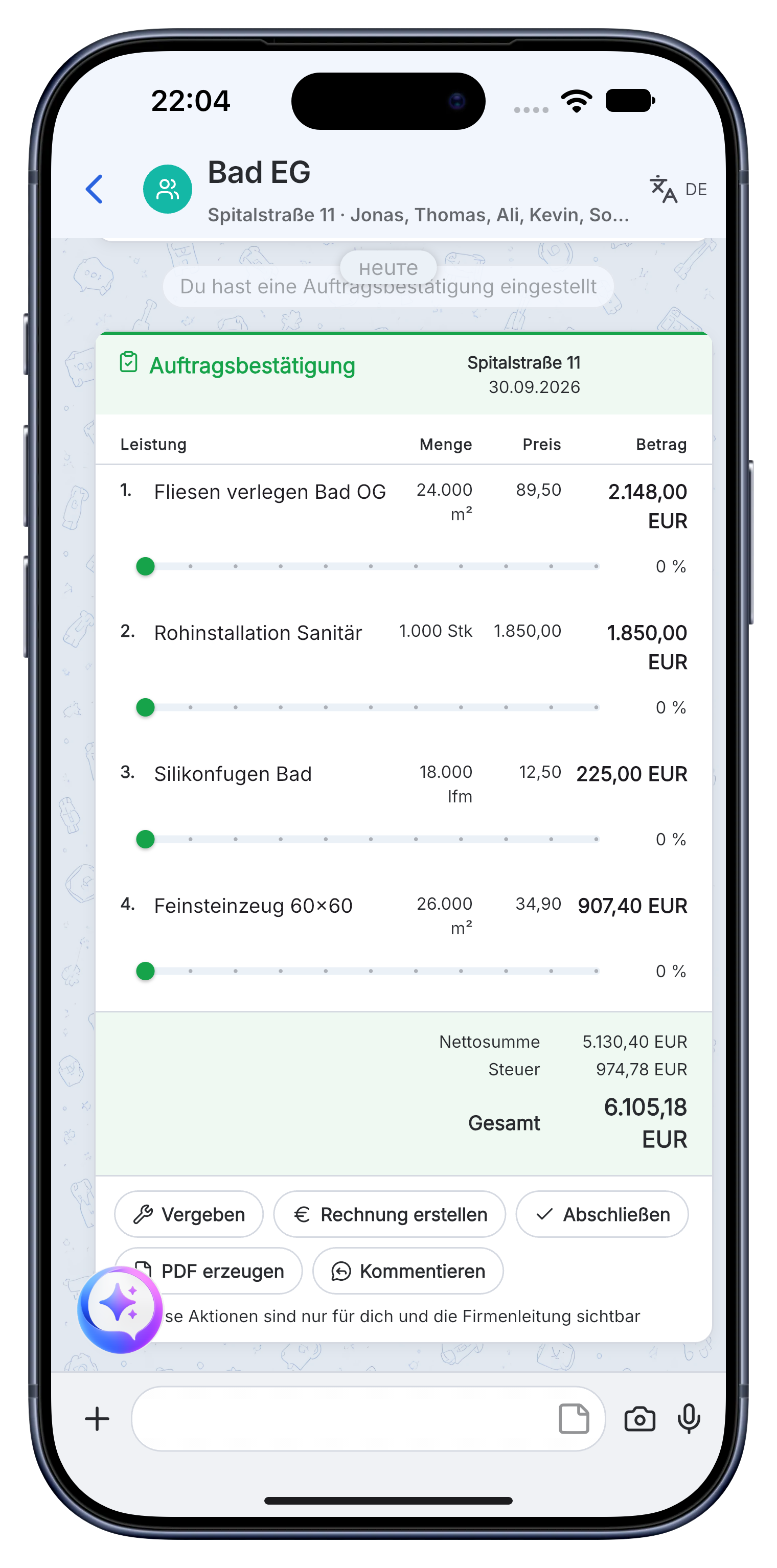
The photo and voice memo are in the right subchat.
As simple as a messenger
Run your business. Right from the chat.
Skava stays just as simple for small businesses and growing teams. You manage conversations, tasks and documents right from the chat, from inquiry to payment. AI helps at every step, right on your phone.
Get it on your phone
Chat instead of menus
Made for the phone
AI in every step
01
CommunicationChats & subchats
02
WorkflowsInquiry to payment
03
Custom elementsTemplates & forms
AI
AI includedHelps at every step
One shared goal
Everything in one history.
From chat to job
Everything starts in chat. Everything stays connected.
Your team writes, speaks and shares photos as usual. Skava turns that into tasks, work items, documents and invoices, in the chat instead of nested software menus.
Questions stay traceable for the whole team.

01 · Communicate
More than a messenger
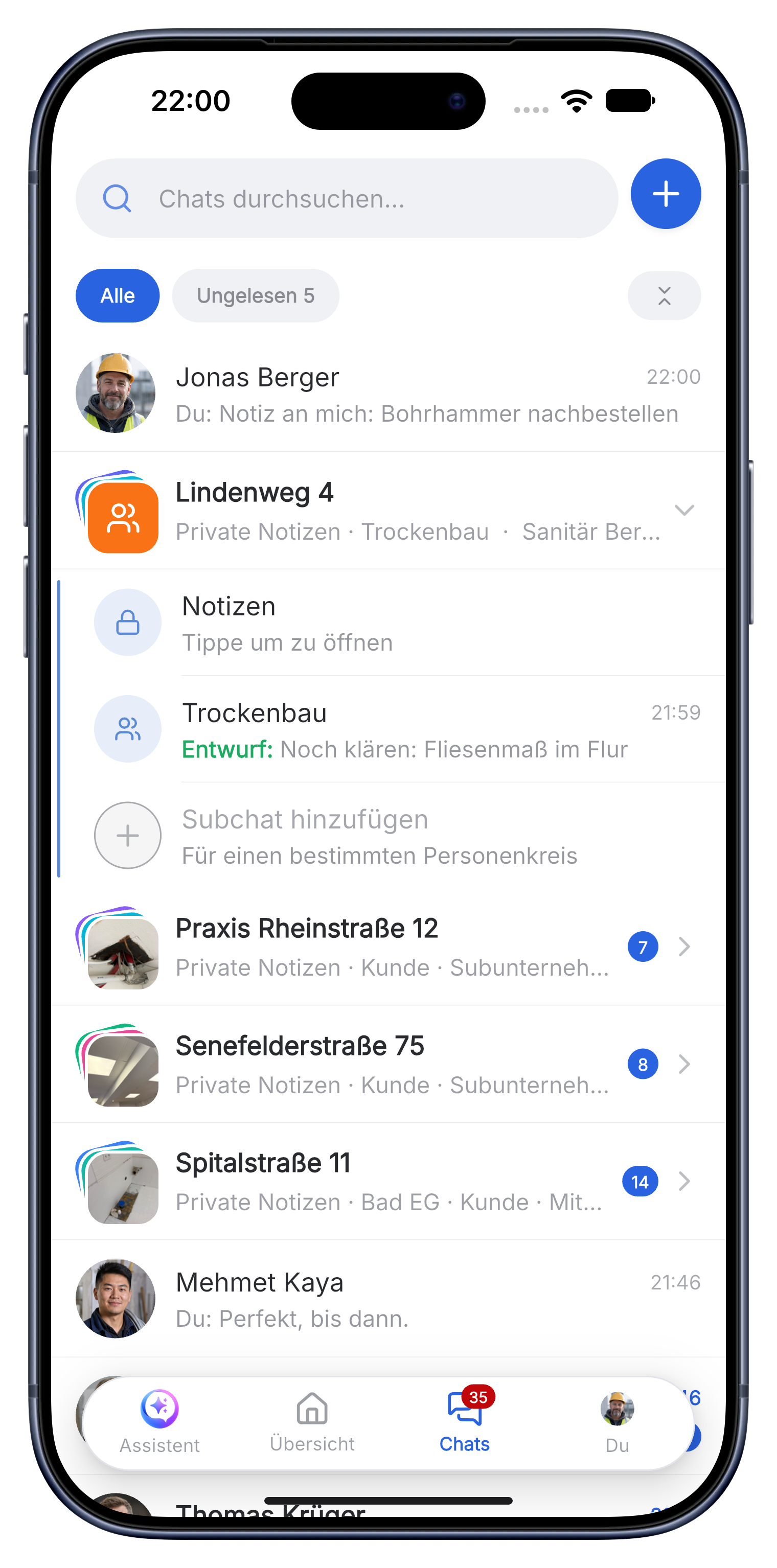
Every job has its own chat. Subchats organise customers, trades, materials and billing without losing the connection.
Messages, photos, files and tasks in one placeAI drafts. You decide.
Custom elements
Skava adapts to your business, not the other way around.
Create templates, forms and reusable building blocks once in the office. On site, your team uses them directly in the right chat, without complicated setup.
Open webapp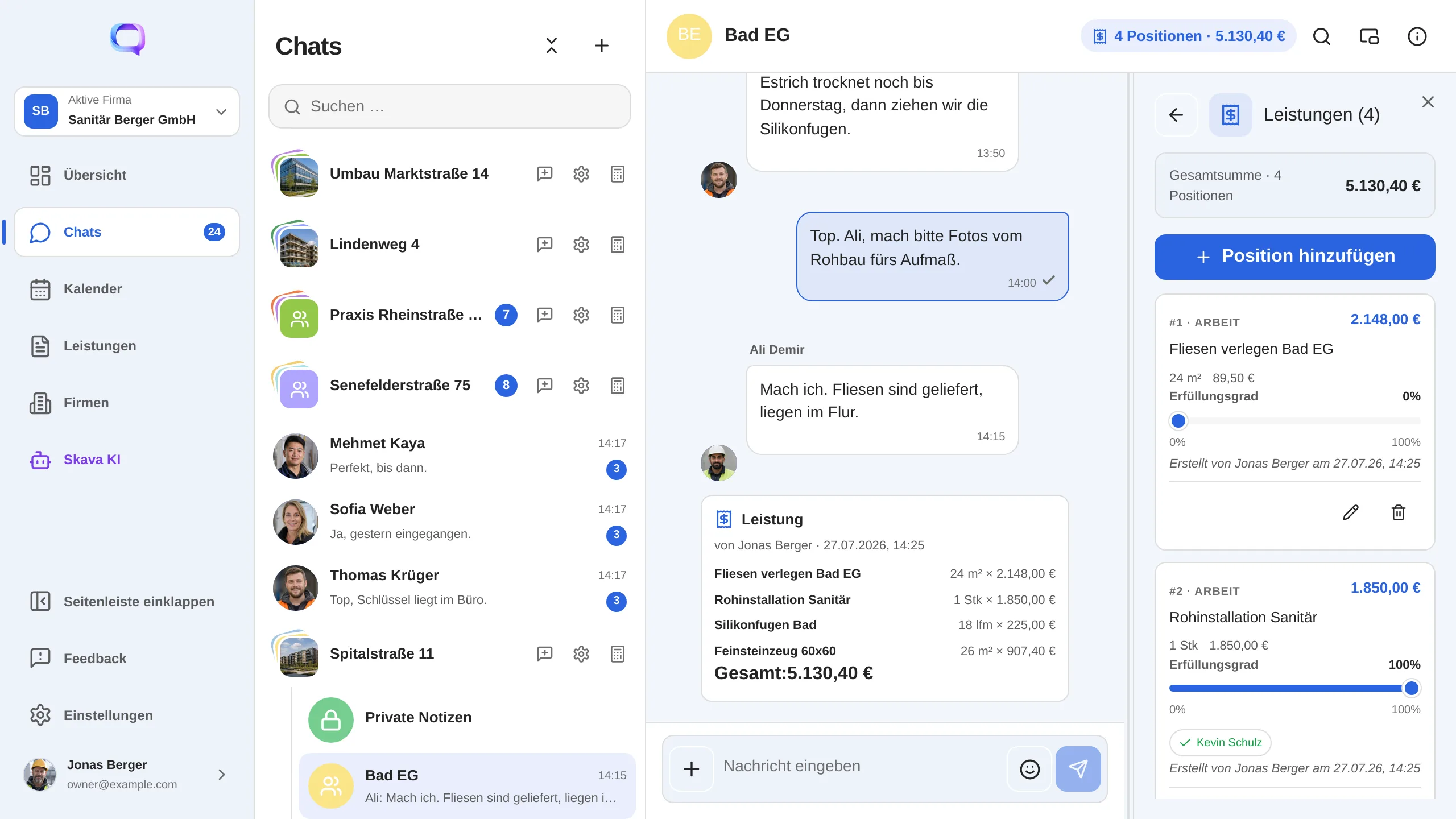
The goal of connecting everything
One job. One shared status.
From the customer to site management and the specialist business, questions, handoffs, approvals and proof stay in the same job history. No searching and no entering the same data twice.
-
01
ClientPlaces the job and approves the result.
-
02
General contractorCoordinates, hands over and keeps the overview.
-
03
Specialist businessExecutes, documents and invoices from the phone.
What Skava feels like in everyday work.
What businesses value about Skava: clear communication, simple workflows and one shared status.
“Skava starts where the work already begins: in conversation. The chat becomes one connected job, from the first customer contact to the paid invoice. Simple enough for the phone, strong enough for the whole business.”
01 / 04
Built for the work on site
Skava speaks your trade.
Choose your trade or jump straight into the workflow you want to simplify.
01
For your trade
02
For your workflow
03
Switching from
Questions before getting started
Frequently asked questions.
The essentials about AI, workflows, devices and data, explained in plain language.
Still unsure?
Ask us directly
Is Skava just a messenger?
No. Skava is as easy to use as a messenger. Behind the chat, Skava connects communication and processes across the entire job: from tasks and files to quotes, invoices and payment.
What exactly does the AI do?
It summarizes conversations, answers project questions and drafts services or next steps from messages, voice memos, photos and documents. You review and decide.
Can Skava handle multi-stage jobs?
Yes. Jobs can run directly in one business or across clients, general contractors and specialist companies. Handover, proof and approval remain traceable.
Can I create quotes and invoices on my phone?
Yes. Captured services stay linked to the project and can be turned into quotes or invoices. You can also keep the payment status in view.
Does Skava work on iPhone, Android and in the office?
Yes. Use the mobile app on iOS and Android and the web app in the office, with the same account and project context.
Where is my data stored?
Skava runs on servers in the EU and is designed for GDPR-compliant business use. There is no advertising and no selling of data.
Your business starts here
With Skava, anyone can become an entrepreneur.
Chat, projects, tasks and creating invoices are free. Only when an invoice created in Skava is paid through Skava do we charge 1% of the payment amount.
Open webapp