
Time tracking for trades : captured on site, not on Sunday.
No more paper timesheets and no more guessing your hours on Sunday evening. Skava captures your working time right on the job site : automatically by geofence when you arrive and leave, with a single tap, or spoken in ("three hours of drywall"). Every hour lands in the right project and flows straight into the invoice.
Prefer using a computer? Open web app : same data, same account.
What Skava solves for time tracking.
Not the next punch-clock terminal. What's missing between the job site and the invoice.
Hours captured on site : not remembered later.
A geofence checks you in when you arrive at the site and out when you leave : automatically. Prefer control? Tap once, or just speak it in: "three hours of drywall". The hour is recorded before you forget it.
- Automatic geofence check-in and check-out.
- Or record hours by tap or by voice.
- No paper timesheet, nothing to re-type.
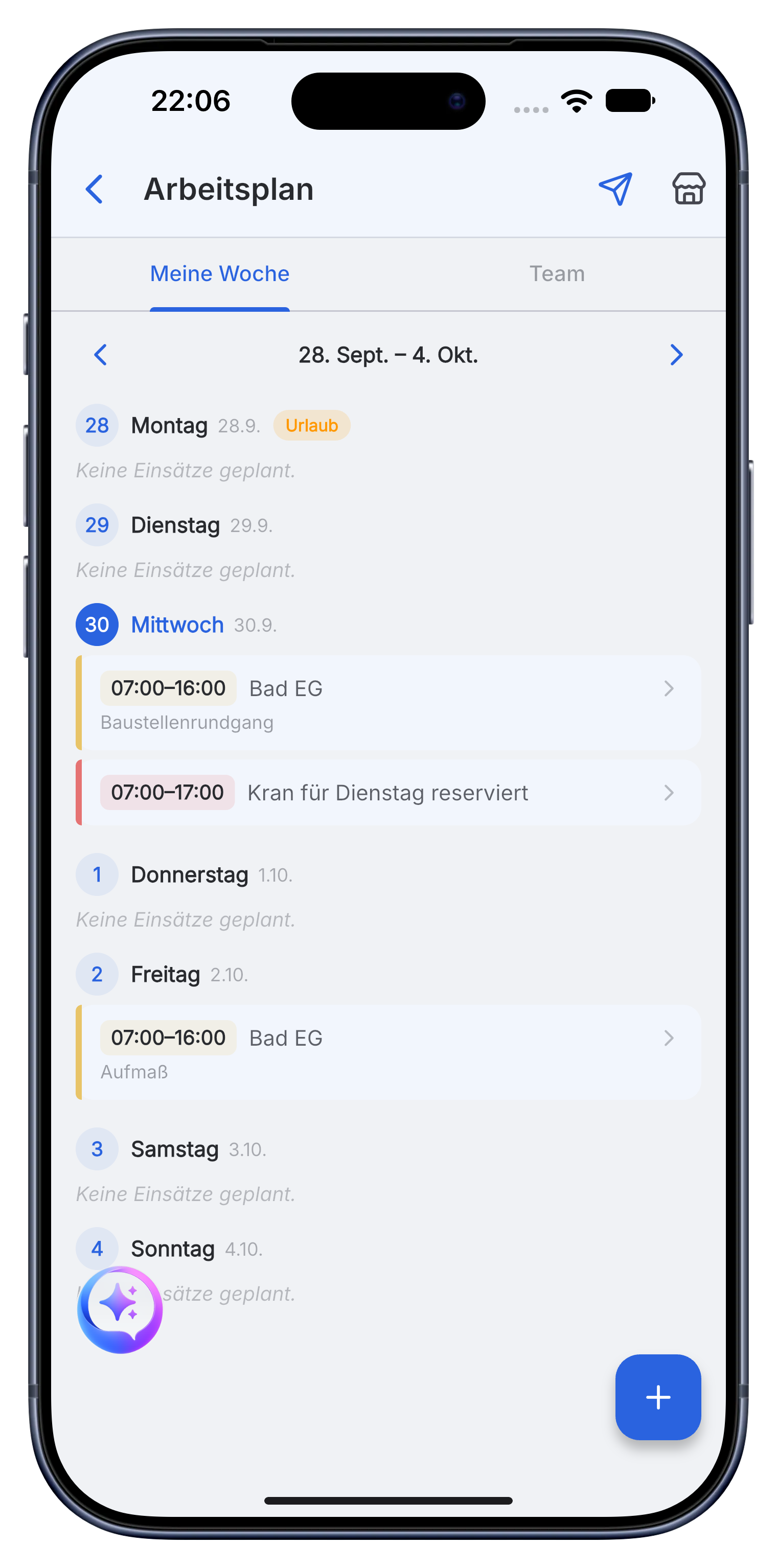
Every hour on the right project : in a clear calendar.
A calendar view shows your week at a glance and each hour is booked to the correct project. Correct a start time, split a day across two sites : everything stays clean and traceable.
- Calendar view of your week and month.
- Every hour booked to the correct project.
- Correct or split entries with one tap.
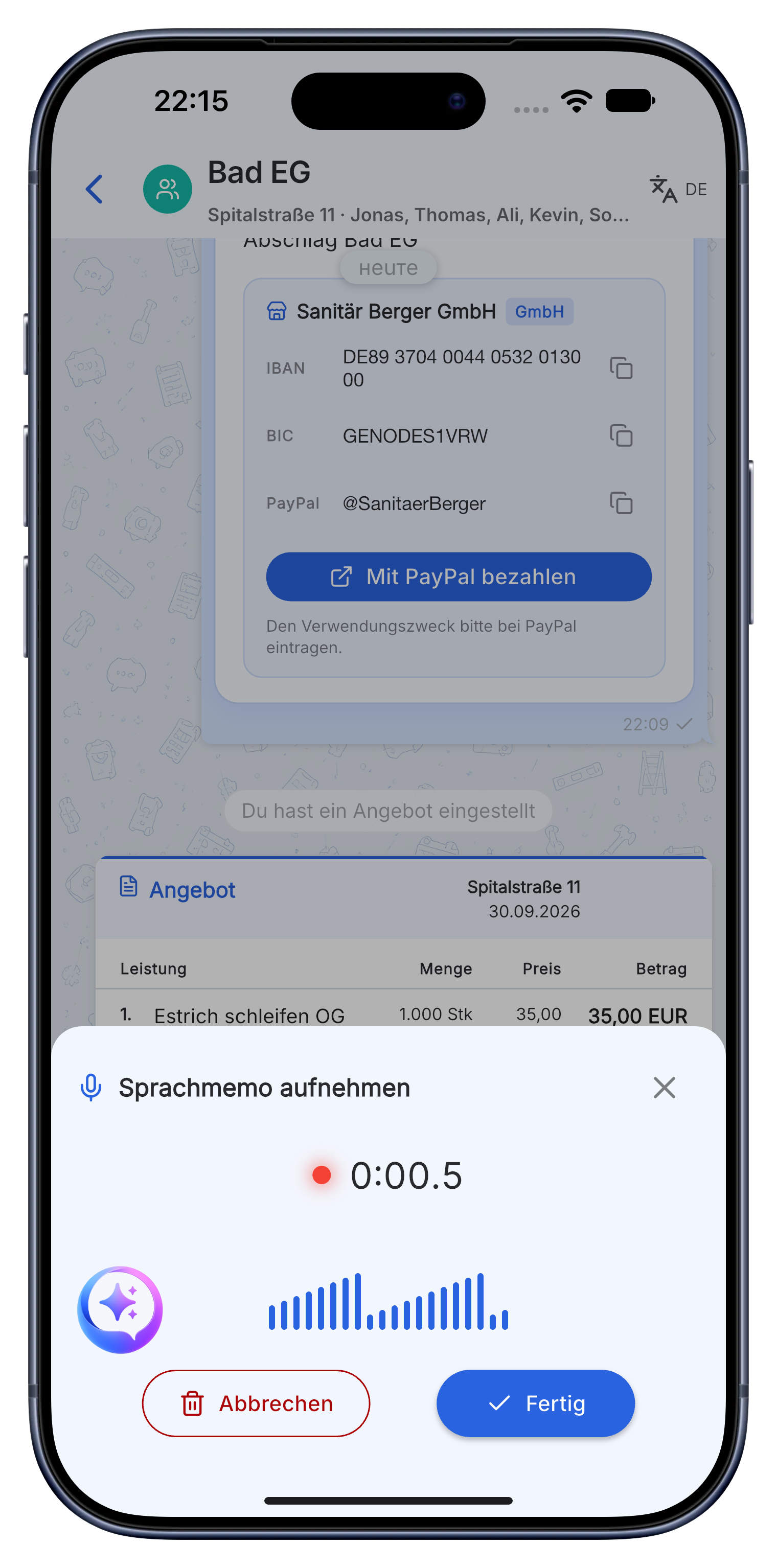
Hours flow straight into the invoice.
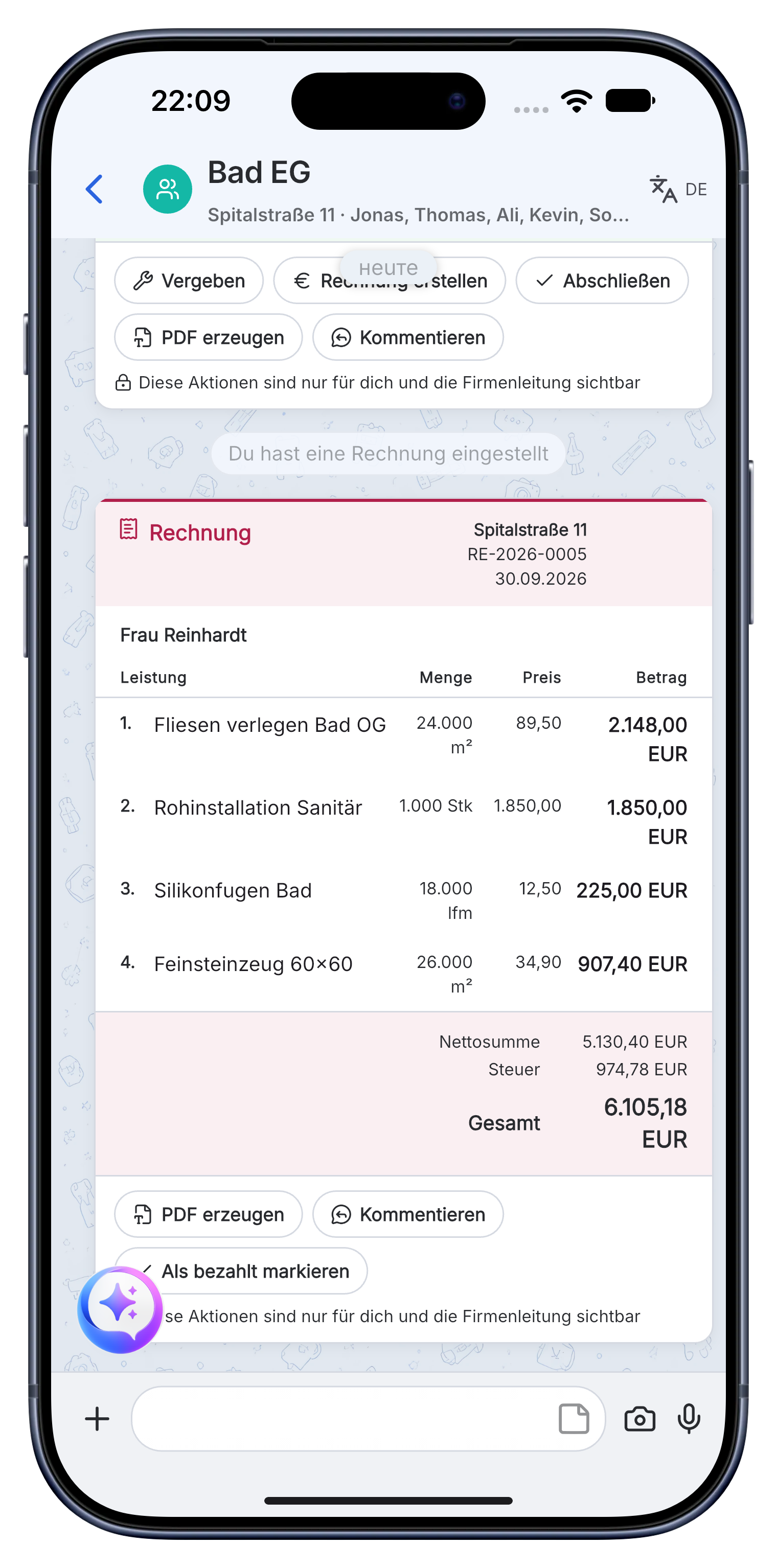
The hours you tracked don't get typed again. They flow directly into the project invoice with your logo and rates : or export as a clean timesheet for payroll and accounting.
- Tracked hours flow into the project invoice.
- Hours per employee and job, traceable in the project.
- The hours flow straight into the invoice for the same project.
"I used to lose an hour every week reconstructing timesheets from memory. Now they're just there : captured on the site, right on the project."
: Site manager, from beta
Frequently asked questions : time tracking.
How does time tracking work on a construction site?
With Skava your hours are captured right on site. A geofence checks you in when you arrive and out when you leave the job site : or you tap once, or speak it in ("three hours of drywall"). No paper timesheet, nothing to re-type in the evening.
Do the tracked hours end up in the invoice automatically?
Yes. Every hour is booked to the right project and flows from there straight into the invoice. Chat, hours and invoicing sit in one app.
Is time tracking with employee data GDPR compliant?
Time tracking is not face or biometric recognition : just when and on which site work happened. Data is stored on servers in the EU, employees see their own hours, and the geofence can be turned off any time.
Is the time tracking documented in a legally sound way?
Times are stored with a timestamp per job and per employee and stay traceable in the project. German law requires a traceable record of working time, and that is what this produces as a by-product instead of on Sunday.
What is geofence time tracking?
The phone recognises when someone enters and leaves the site and proposes the time. The employee confirms it, so nothing runs secretly in the background.
Do the hours end up on the invoice?
Yes, directly as a line item in the same project. The usual break between timesheet and invoicing software disappears, and with it the reconstruction from memory.
Download the app. Let your hours capture themselves.
Free access. No credit card. No sales calls.
More: Electricians · Painters · Plumbing & HVAC · Writing invoices