
From measurement to paid invoice: painting jobs stay in one chat.
Record rooms, surfaces and requested finishes, then keep color decisions, photos and tasks in project subchats. The team documents progress and acceptance on site. Service items become an offer or invoice, and the payment status stays visible. Skava is a messenger, not a heavy ERP.
Prefer desktop? Open the web app. Your projects stay in sync.
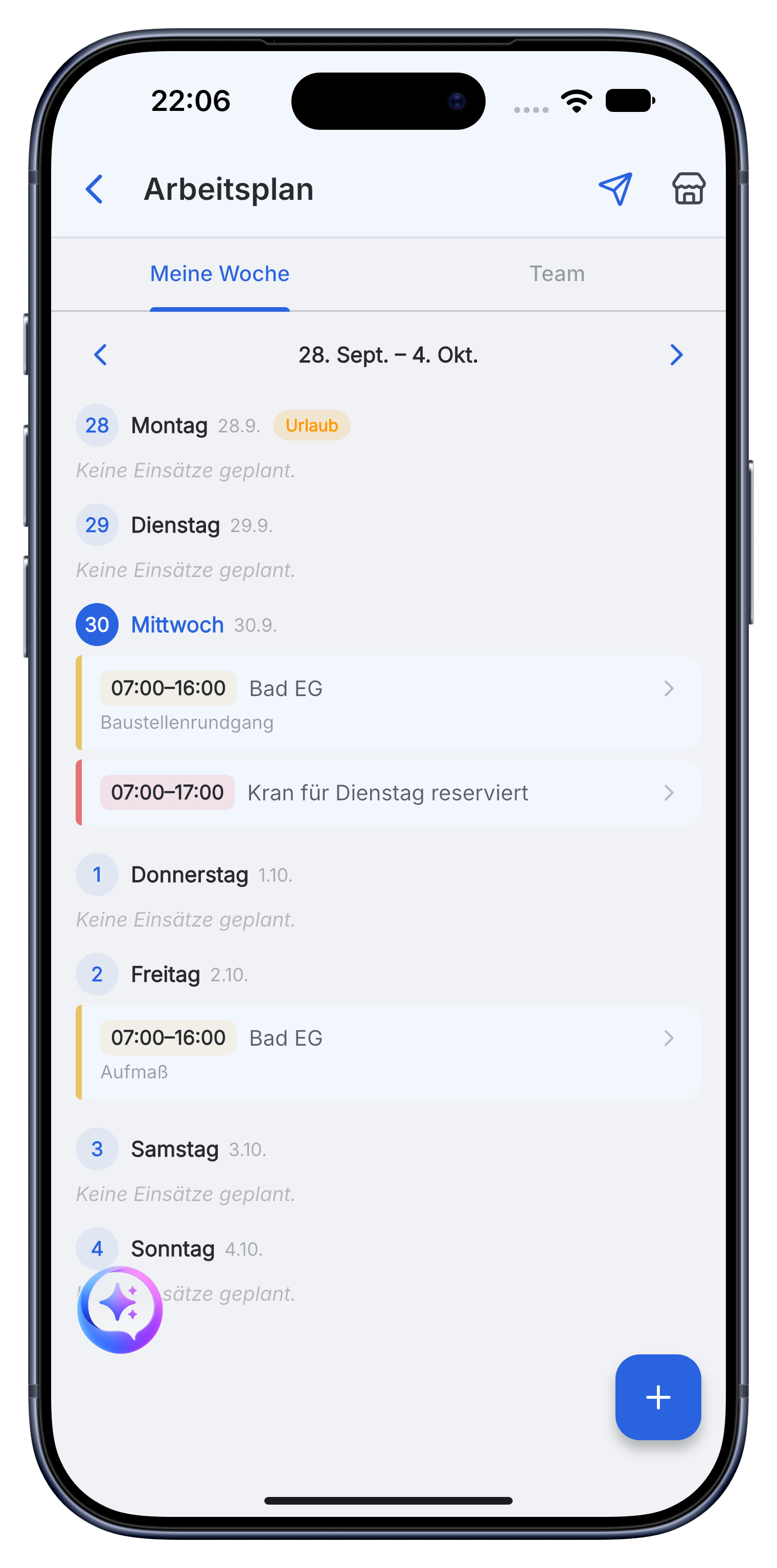
A clear painting workflow for every room.
Skava is a simple messenger for the team. Chat, photos, subchats, tasks, documents and billing stay connected without the setup of a heavy ERP.
Prepare rooms, surfaces and work before the first coat.
Measurements, substrate photos and customer choices go into the project chat. Service items keep preparation, coating and wallpaper work clear.
- Record square meters, coats, plastering, wallpaper and material.
- Use subchats for rooms, floors or separate work sections.
- Create tasks for masking, preparation and scheduled work.
Show what is finished and what still needs attention.
Before and after photos, material notes and team messages stay with the room or work section. Everyone sees the current status without separate chats.
- Document preparation, coats and finished surfaces with photos.
- Assign touch-ups and remaining work directly to the team.
- Keep color choices, product sheets and customer notes together.
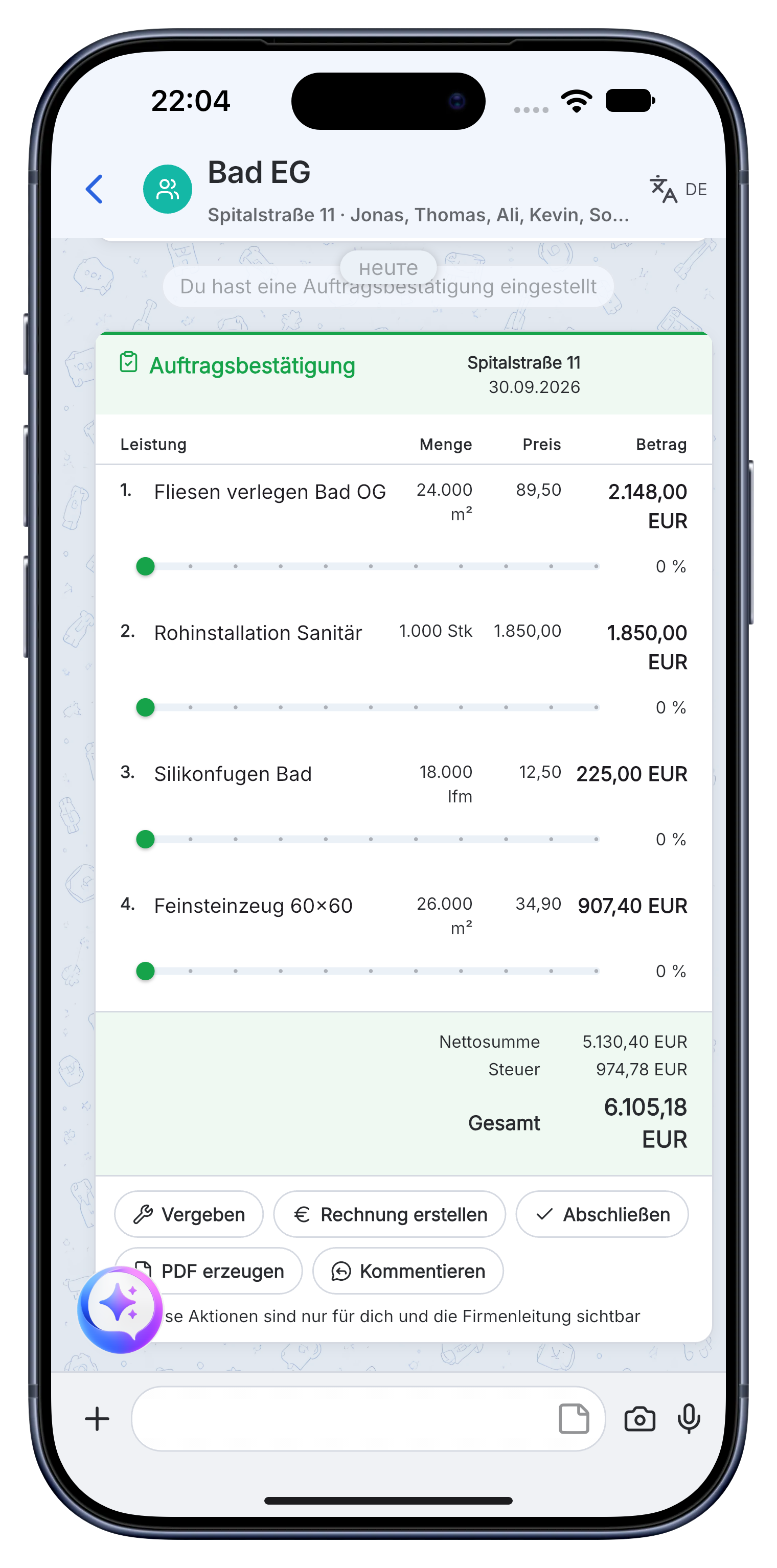
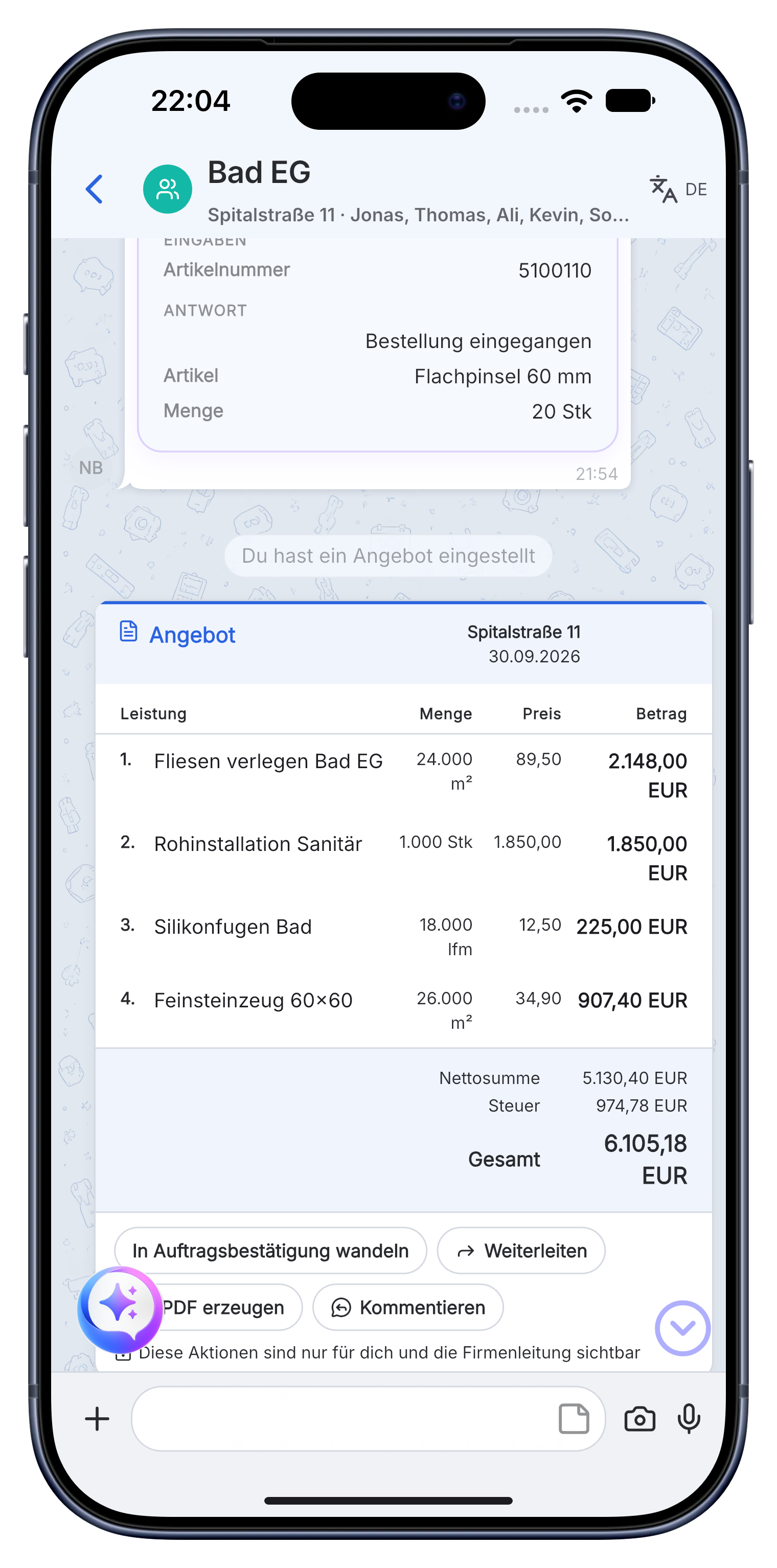
Finish acceptance and billing from the documented work.
Use measured surfaces and completed service items for the invoice. Store acceptance notes and follow the payment status in the same project.
- Create offers and invoices with company details, prices and VAT.
- Send the invoice as a PDF to the customer or accounting.
- See whether the invoice is open, sent or paid.
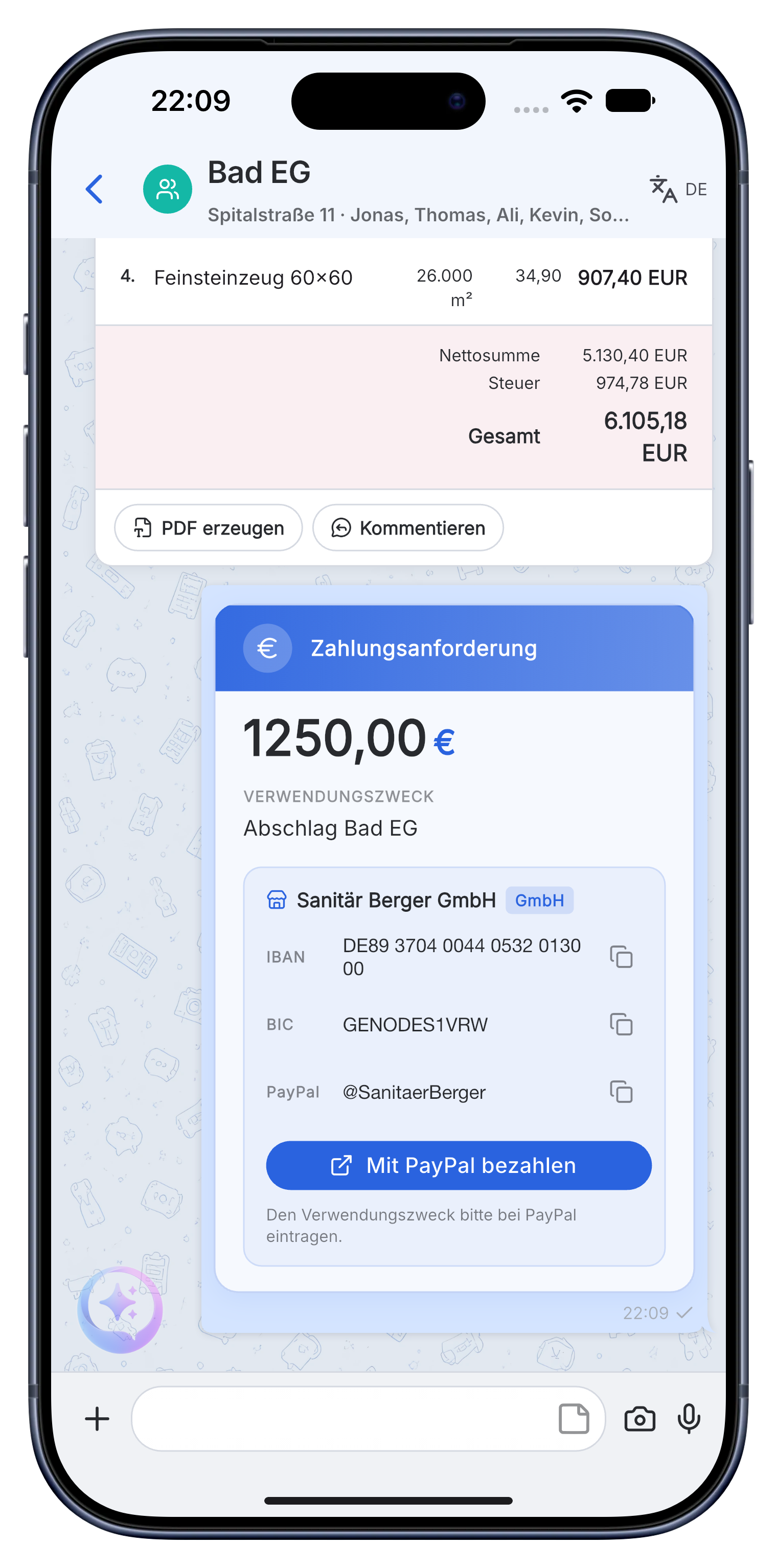
Measurement, room photos, color choices, progress, touch-ups, acceptance and invoice stay together from the first visit to payment.
A practical workflow in Skava.
Frequently asked questions.
Is Skava an ERP system for painting businesses?
No. Skava works like a messenger. The team chats in projects and subchats, shares photos and documents, assigns tasks and follows invoices. There is no complex ERP setup.
How does a painting job run in Skava?
Measurement, surfaces and service items, photos, progress, acceptance, invoice and payment status all stay in one project.
What does the Skava painter app cost?
Chat, projects, tasks and creating invoices are free. Only when an invoice created in Skava is paid through Skava do we charge 1% of the payment amount.
Can I measure areas directly on site?
Yes, by voice. You say the square metres and Skava writes them into the line item and totals them up for the quote. The folding rule stays, the notepad does not.
How do I document the substrate before painting?
With photos and a spoken note in the project before the first coat goes on. If anyone later disputes the preparation, the dated evidence sits with the job.
Does Skava also cover drywall work in the same business?
Yes, painting and drywall run as separate subchats in the same project. You see both trades on the same property without maintaining two systems.
Manage the next painting job with Skava.
Free to get started. No credit card. Available in the App Store and on Google Play.
More: Electrician · Plumbing & heating · Roofers · Landscaping · App for drywall contractors