
From enquiry to paid invoice: electrical jobs stay in one chat.
A customer sends an enquiry. Add plans and photos, create subchats for installation and materials, assign tasks and document the result. Recorded service items become an offer or invoice, and the payment status remains visible. Skava works like a messenger, not like a heavy ERP.
Prefer desktop? Open the web app. Your projects stay in sync.
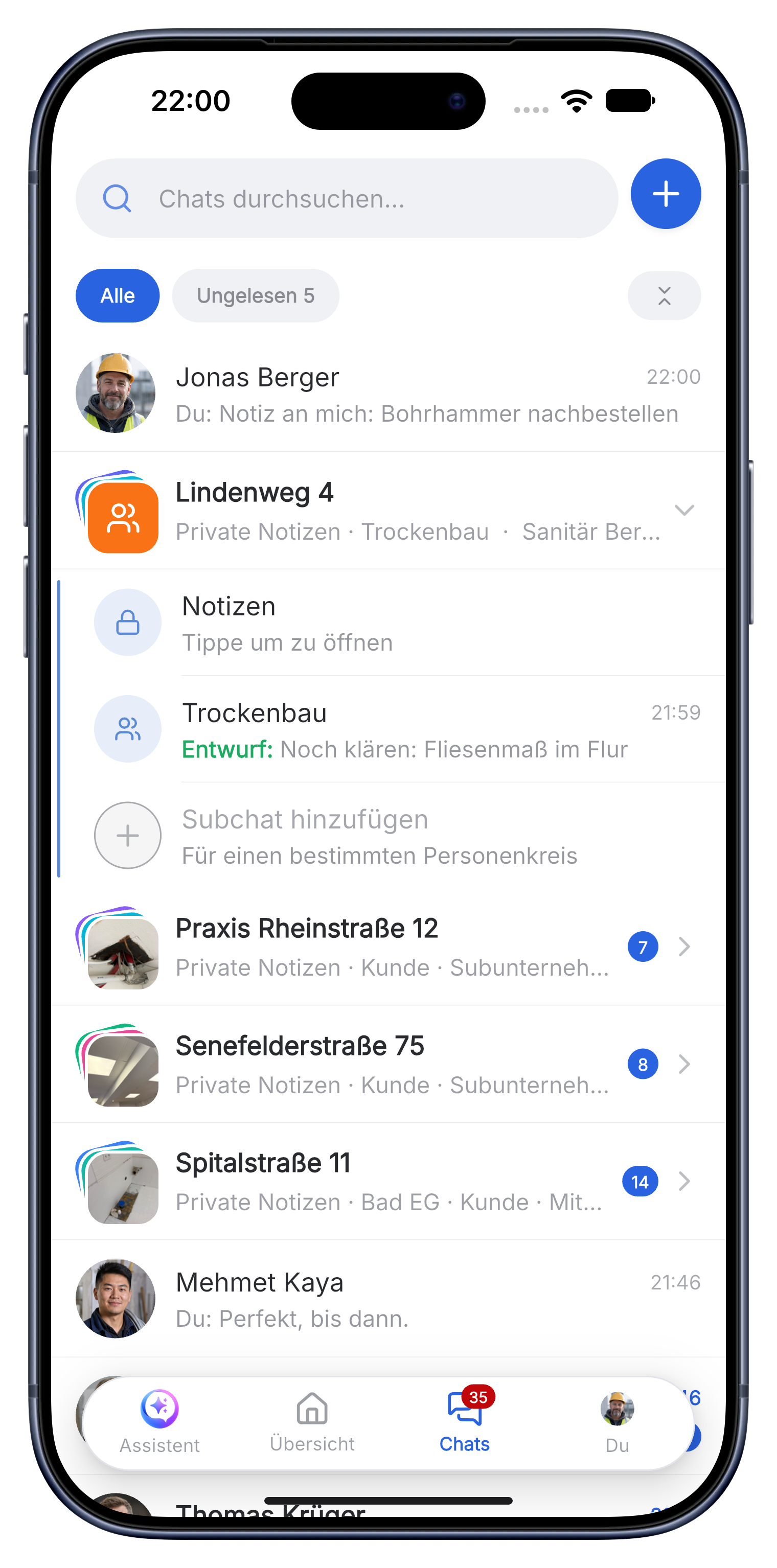
A clear electrical workflow without ERP overhead.
Skava is a simple messenger for the team. Chat, photos, subchats, tasks, documents and billing stay connected without the setup of a heavy ERP.
Turn plans, photos and questions into a ready electrical job.
Customer messages, floor plans and cabinet photos go into the project chat. Separate subchats keep installation, material and acceptance clear.
- Create tasks for circuits, distribution boards, outlets and testing.
- Assign dates and responsibilities to the right team members.
- Keep plans and customer decisions available on site.
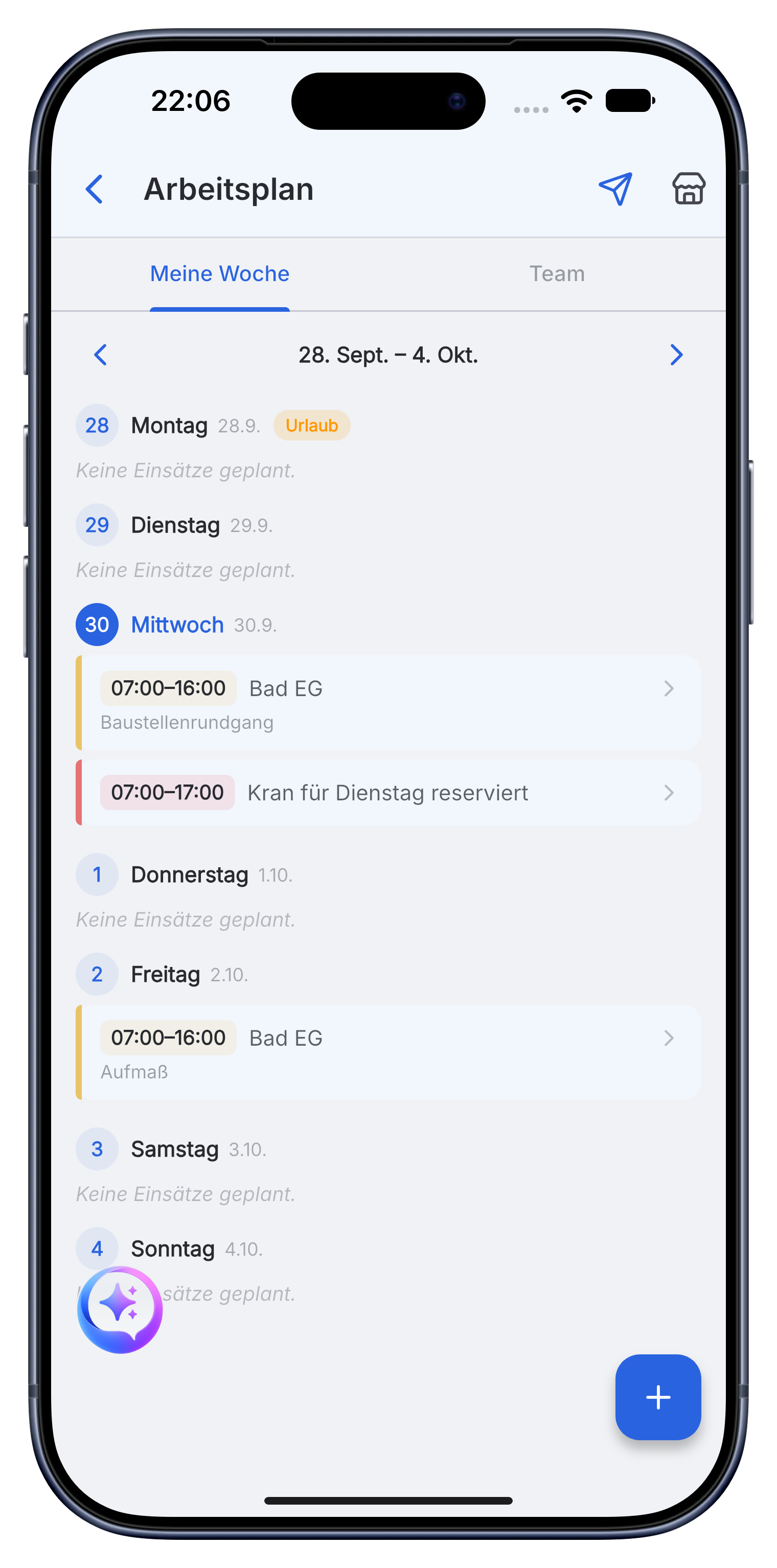
Document installation, materials and measurements as work progresses.
The team adds cable routes, installed components, readings and photos directly to the job. Service items can also be captured from a voice memo.
- Record cable, breakers, sockets and other material with quantities.
- Use photos and documents as proof for the customer and acceptance.
- Coordinate questions in the right subchat instead of separate message threads.
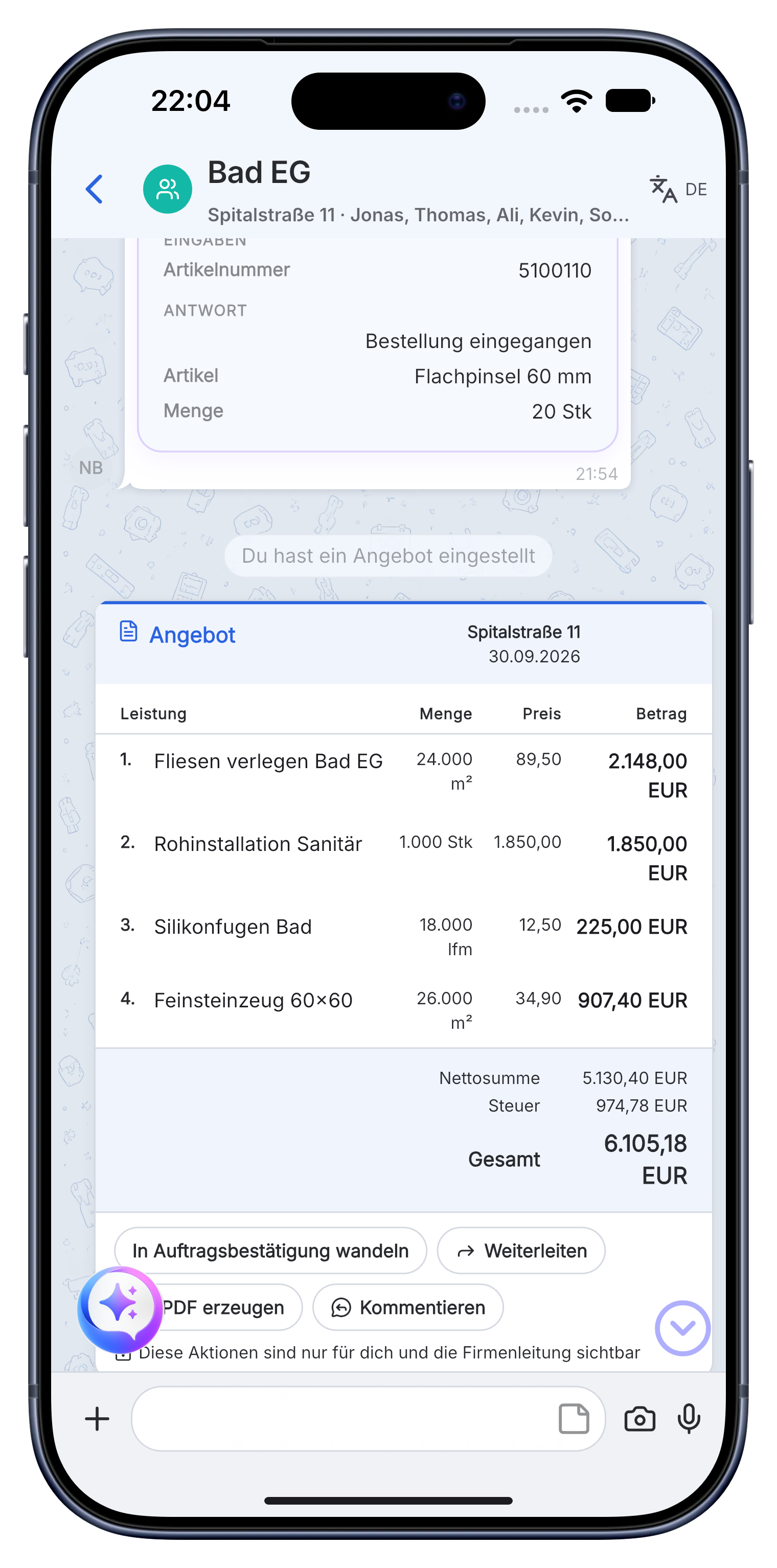
Turn documented electrical work into a clear invoice.
Create an offer or invoice from the recorded service items. Send the PDF and see whether the invoice is open or paid.
- Use your company details, logo, prices and VAT.
- Export the invoice as a PDF for the customer or accounting.
- Keep acceptance notes and payment status in the same project.
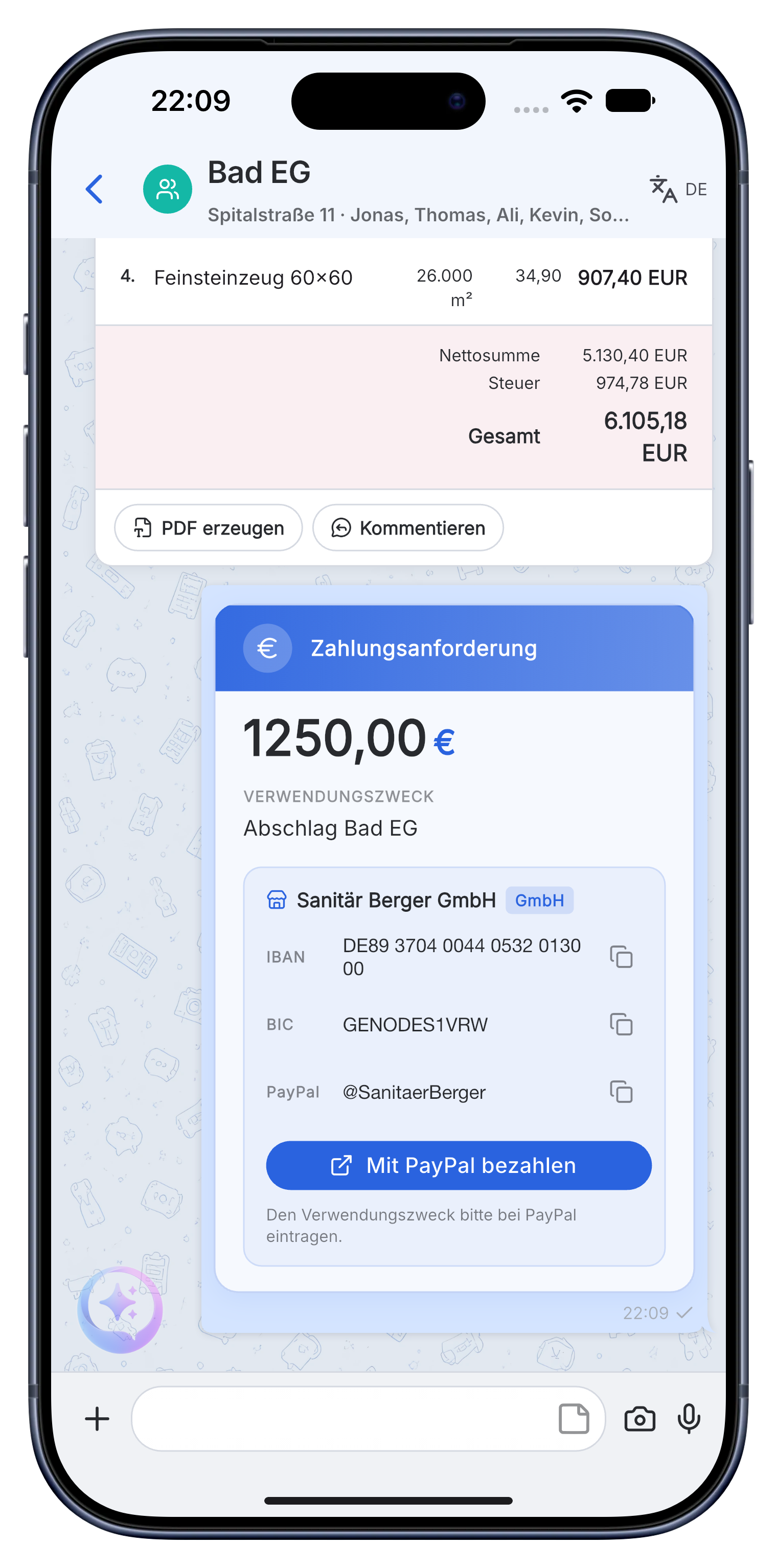
The enquiry arrives in the project chat. Plans, panel photos, materials, tasks, proof and the invoice stay together until payment.
A practical workflow in Skava.
Frequently asked questions.
Is Skava an ERP system for electrical contractors?
No. Skava works like a messenger. The team chats in projects and subchats, shares photos and documents, assigns tasks and follows invoices. There is no complex ERP setup.
How does an electrical job run in Skava?
Enquiry, plans and photos, installation, materials and service items, proof, acceptance, invoice and payment status all remain in one project.
What does the Skava electrician app cost?
Chat, projects, tasks and creating invoices are free. Only when an invoice created in Skava is paid through Skava do we charge 1% of the payment amount.
Does Skava work on site without a connection?
Yes. Photos, notes and tasks are stored locally and sent as soon as there is signal again. In a basement or an unfinished building you keep working normally and nothing is lost.
Can I document meter readings and test records?
Yes, as a photo with a spoken note directly in the project. The test record sits with the job instead of in a photo gallery, and it is one tap away at the next inspection.
Does Skava replace the company WhatsApp group?
Yes, and without job photos disappearing between private messages. Every job has its own history, and anyone joining later sees the background instead of 400 unread messages.
Manage the next electrical job with Skava.
Free to get started. No credit card. Available in the App Store and on Google Play.
Other trades: Plumbing & heating · Painters · Roofers · Landscaping · App for drywall contractors