
Skava as a Craftnote alternative.
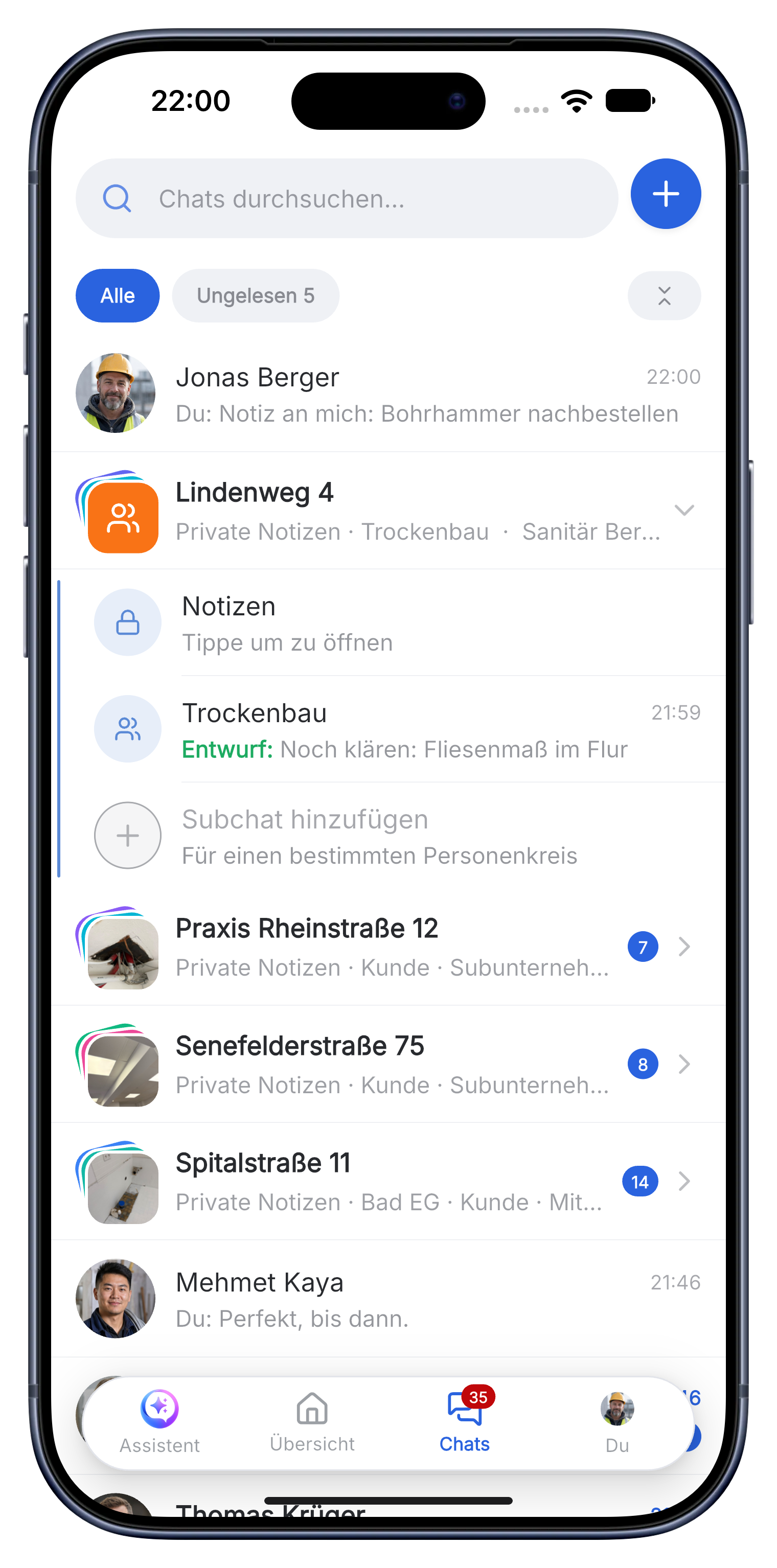
Craftnote organizes the construction site through a digital construction file with chat and documentation. Skava builds on the same core (project chat and documentation) but goes one step further: you speak in the service item, and Skava creates tasks and finished invoices.
Prefer to work from your office computer? Open web app. Same data, same account.
Craftnote vs. Skava: the difference.
If you're looking for a Craftnote alternative, it's usually about one thing: less manual data entry. Skava is chat- and documentation-native like a digital construction file, but puts the emphasis on voice capture. So what's said on the construction site becomes service items and invoices without typing.
| Aspect | Typical construction file | Skava |
|---|---|---|
| Core principle | Digital construction file with chat | Chat + voice capture + invoicing |
| Capture | Type in / forms | Voice memo → automatic service item |
| Tasks | Lists per project | Generated from memo, assigned |
| Invoice | Documentation, billing often separate | Invoice directly from captured service items |
| Getting started | Usually demo/onboarding | Start for free, no sales call |
| Platform | App + web | App (iOS/Android) + web, same account |
| Hosting | Cloud | Servers in the EU, GDPR compliant |
Comparison describes Skava's approach versus typical practice in this category. Other providers' feature sets may vary.
Gather your own experience instead of reading comparison tables
This is the provider's own page, not an independent review. So instead of telling you how Craftnote supposedly performs, here is what will show you within two weeks which tool fits your business. For real user opinions the app stores and portals like OMR Reviews or Capterra are the more honest sources.
The two week test that actually answers the question
Take one running job, not the whole company, and run it in both tools side by side. After ten working days you will know more than any feature list can tell you.
- Does the technician actually join in? If nobody but you has posted a photo after three days, the question is already answered.
- How long does the invoice take at the end of the job? Time it, once each way.
- How many taps to a photo from the site? Anything over three does not happen on a roof.
- What happens with no signal? That is decided in a basement, not in an office.
- Can you get out again? Check the data export before you put data in, not after.
You can run Skava for this free of charge and without a credit card. There is no trial period that expires.
Frequently asked questions.
How is Skava different from a digital construction file?
Skava has the same chat/documentation core, but puts the emphasis on voice capture: from the spoken memo, service items, tasks, and invoices are generated automatically.
Can I document construction sites?
Yes. Photos, documents, and audio are stored per construction site and can be found at any time.
What does Skava cost?
Chat, projects, tasks and creating invoices are free. Only when an invoice created in Skava is paid through Skava do we charge 1% of the payment amount.
Who uses Skava instead of Craftnote?
Mostly businesses from one person up to around 30 employees who want measuring, time tracking and invoicing in the same job as the chat. If you only need a structured site chat, you do not need this switch.
Can I get out of Skava again later?
Yes. Projects, documents and records can be exported in full, and records also as PDF. Check the way out with your current provider before switching too, because that is where migrations fail.
Does the whole company have to switch at once?
No, and it is not advisable. One running job with two or three people is enough to see whether it holds up.
Try Skava. 10 minutes is all it takes.
Free access. No credit card. No sales calls.
More comparisons: WhatsApp on the construction site · ToolTime · Plancraft