
Skava as a Polycam Alternative.
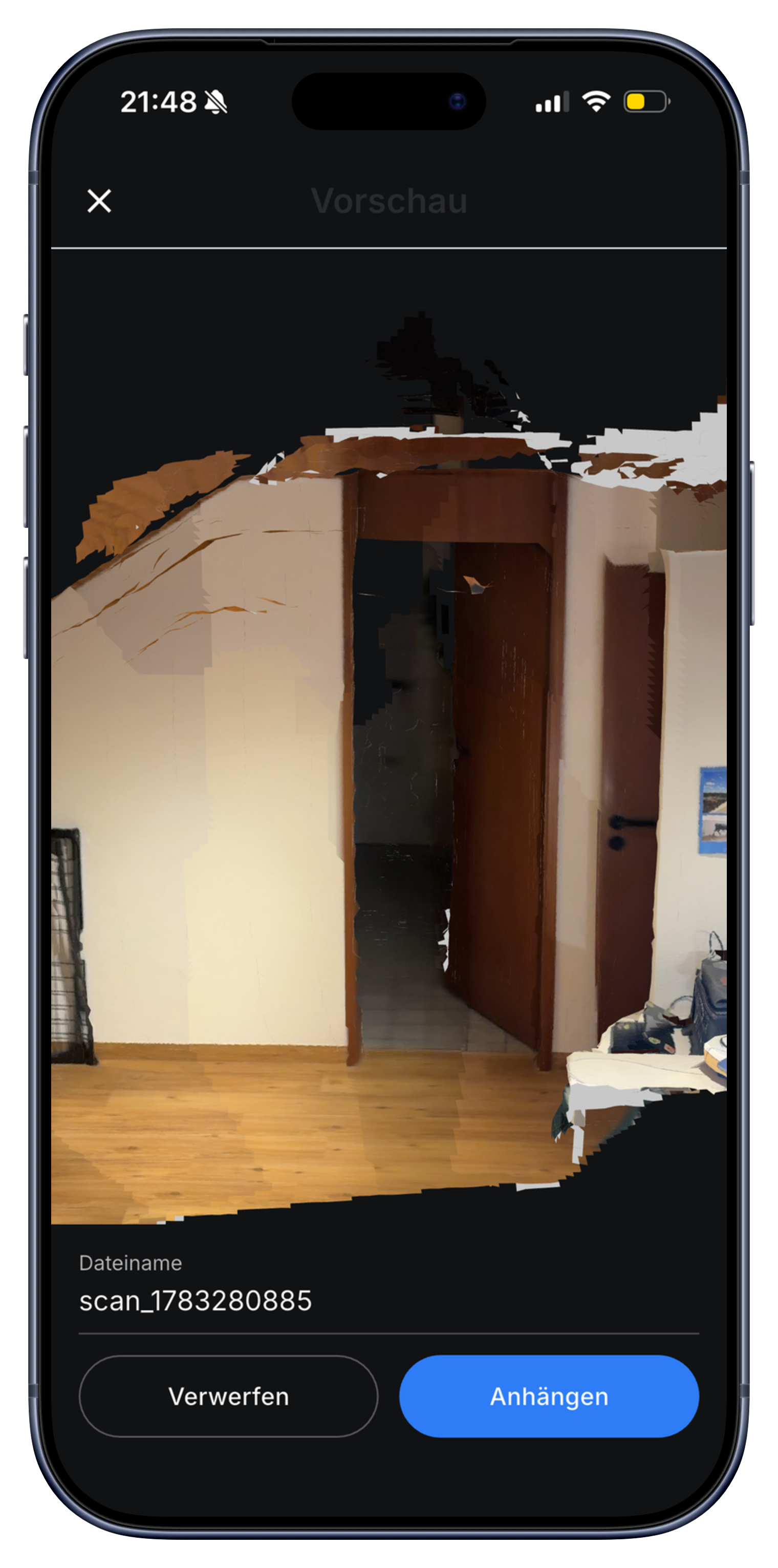
Polycam is a strong dedicated 3D scanner. Skava takes a different angle: scan the room once, and the model lands straight in your project, next to tasks, team chat, and the invoice. One walk, one app, no island.
Prefer to work from your desk? Open the web app and view the 3D model in your browser.
Polycam vs. Skava: what matters for trades.
If you are comparing Polycam and Skava, the main question is what you need the scan for. Polycam is a dedicated scanner with a wide range of capture modes and export formats. Skava is a trade workflow app that includes 3D room measurement: one walk around the room, a live square metre reading, tap-to-measure, marked connection points, and the whole result sits inside the project file alongside your team chat and invoice.
| Aspect | Polycam | Skava |
|---|---|---|
| Workflow integration | Standalone scan app, export to other tools | Scan lives inside your project, next to tasks, chat, and invoice |
| Measure after scanning | Yes, tap to measure in the Polycam model | Yes, tap two points to measure any distance in the 3D model |
| Capture modes | LiDAR, photogrammetry, 360, NeRF and more | LiDAR room walk (one continuous scan, live m reading) |
| Export formats | Many (OBJ, FBX, USDZ, RoomPlan, and others) | Model stays in the project (GLB viewer); workflow focus, not raw export |
| Trades features | Not included (tasks, invoice, team chat are separate) | Tasks, voice memos, team chat, and invoice all in one project |
| Price | Free tier, paid plans for advanced features | Free to start, no credit card needed |
| Data location | US-based servers | Servers in the EU, GDPR compliant |
Comparison reflects publicly available information and Skava's own feature set. Polycam's offering may change; check their website for the current feature list.
Frequently asked questions.
Is Skava's 3D scan as accurate as Polycam?
Skava's 3D room scan gives a good working approximation: useful for measuring rooms, documenting connection points, and sharing the layout with your team. It is not a millimeter-precision laser measurement. For tasks like rough measurement and site documentation, it covers everything you need. For submillimeter accuracy, use a dedicated laser tool.
What happens with the 3D model after scanning?
The model stays inside your Skava project. Your whole team can open it, rotate it in the browser or app, tap two points to measure a distance, and see the marked connection points. All of this sits next to the project chat, tasks, voice memos, and invoice.
What does Skava cost?
Chat, projects, tasks and creating invoices are free. Only when an invoice created in Skava is paid through Skava do we charge 1% of the payment amount.
Is Skava free, like the free tier of Polycam?
Getting started is free, including the room scan, with no credit card and no expiring trial. For how other providers price things right now, check with them directly, because that changes more often than pages like this one.
Is there an open source alternative to Polycam?
Skava is not open source software, though the 3D core in the browser runs on three.js and the scan data belongs to you. If you genuinely need open source, the path leads through LiDAR libraries and your own effort; if you need a tool for the business, that is the wrong comparison.
What can Skava do that a pure scanner cannot?
The scan lands in the job instead of in a scan library. Next to the room model sit the chat, tasks, materials, working hours and the invoice for the same project, and that step is exactly what a tool that only measures is missing.
Try Skava. Scan your first room in under a minute.
Free access. No credit card. No sales calls.
More from Skava: 3D room measurement · Measurement app · For electricians