
Skava as a ToolTime alternative.
ToolTime bundles office and construction site in one trades software. Skava pursues the same goal (less paperwork) but comes from the construction site: you record what happened, and Skava turns it into tasks, documentation, and invoices instead of you filling out forms.
Prefer to work from your office computer? Open web app. Same data, same account.
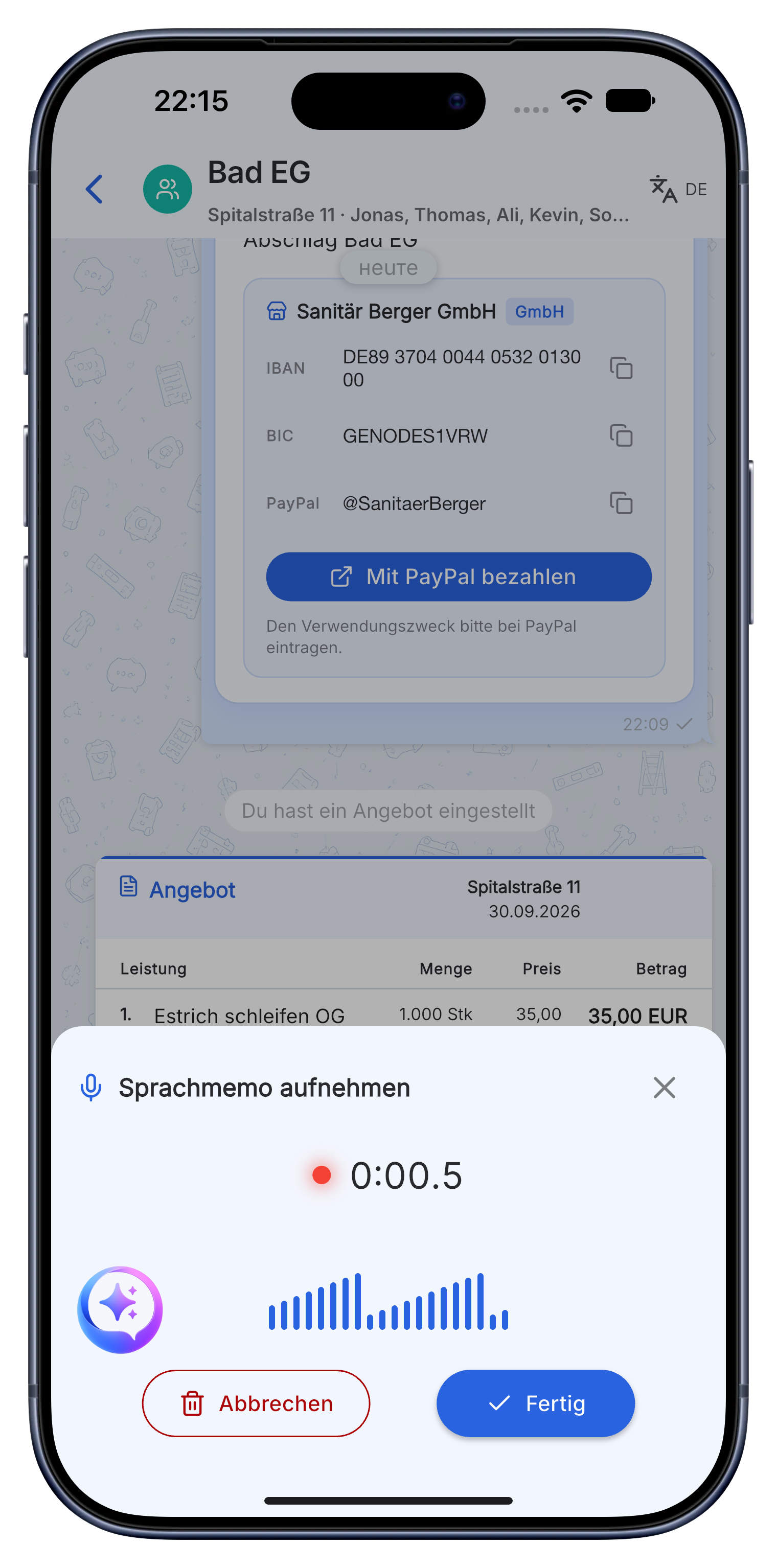
ToolTime vs. Skava. The difference.
If you're looking for a ToolTime alternative, you often want a lighter, mobile-first solution without lengthy setup. Skava starts free, without a sales call, and relies on voice as the fastest way to record service items on the construction site.
| Aspect | Traditional office software | Skava |
|---|---|---|
| Starting point | Office / desk | Construction site / mobile first |
| Capture | Fill out forms | Record service item by voice |
| Communication | Often separate | Team chat per project, integrated |
| Invoice | Module in office tool | Directly from captured service items |
| Getting started | Demo / setup | Start for free, no credit card |
| Time tracking | Manual / terminal | Calendar + automatic via geofence |
| Hosting | Cloud | Servers in the EU, GDPR compliant |
Comparison describes Skava's approach versus typical practice in this category. Other providers' feature sets may vary.
Gather your own experience instead of reading comparison tables
This is the provider's own page, not an independent review. So instead of telling you how ToolTime supposedly performs, here is what will show you within two weeks which tool fits your business. For real user opinions the app stores and portals like OMR Reviews or Capterra are the more honest sources.
The two week test that actually answers the question
Take one running job, not the whole company, and run it in both tools side by side. After ten working days you will know more than any feature list can tell you.
- Does the technician actually join in? If nobody but you has posted a photo after three days, the question is already answered.
- How long does the invoice take at the end of the job? Time it, once each way.
- How many taps to a photo from the site? Anything over three does not happen on a roof.
- What happens with no signal? That is decided in a basement, not in an office.
- Can you get out again? Check the data export before you put data in, not after.
You can run Skava for this free of charge and without a credit card. There is no trial period that expires.
Frequently asked questions.
Is Skava full-featured trades software?
Skava covers chat, tasks, documentation, time tracking, and quotes and invoices. It focuses on fast voice capture on the construction site. For many businesses, it replaces WhatsApp, notepads, and Excel.
Do I need a long setup process?
No. You download the app, start free, and can immediately record your first voice memo.
What does Skava cost?
Chat, projects, tasks and creating invoices are free. Only when an invoice created in Skava is paid through Skava do we charge 1% of the payment amount.
What company size is the switch worth for?
From one person up to around 30 employees. Above that you usually need inventory management and payroll, and Skava is not built for that.
Does Skava also run in the office on a computer?
Yes, through the web app in the browser, with the same data as on the phone. In practice the team works mobile and the office works in the browser.
How quickly is an invoice ready?
A voice memo from the site becomes an invoice draft that you review and approve. The detour via a timesheet and retyping in the evening disappears.
Try Skava. 10 minutes is all it takes.
Free access. No credit card. No sales calls.
More comparisons: WhatsApp on the construction site · Craftnote · Plancraft