
From measurement to paid invoice: drywall jobs stay in one chat.
Record wall and ceiling areas with the required build-up and finish. Use project subchats and tasks to coordinate the team, then document progress and proof with photos. Acceptance, invoice and payment status stay in the same project. Skava is a messenger, not a heavy ERP.
Prefer desktop? Open the web app. Your projects stay in sync.
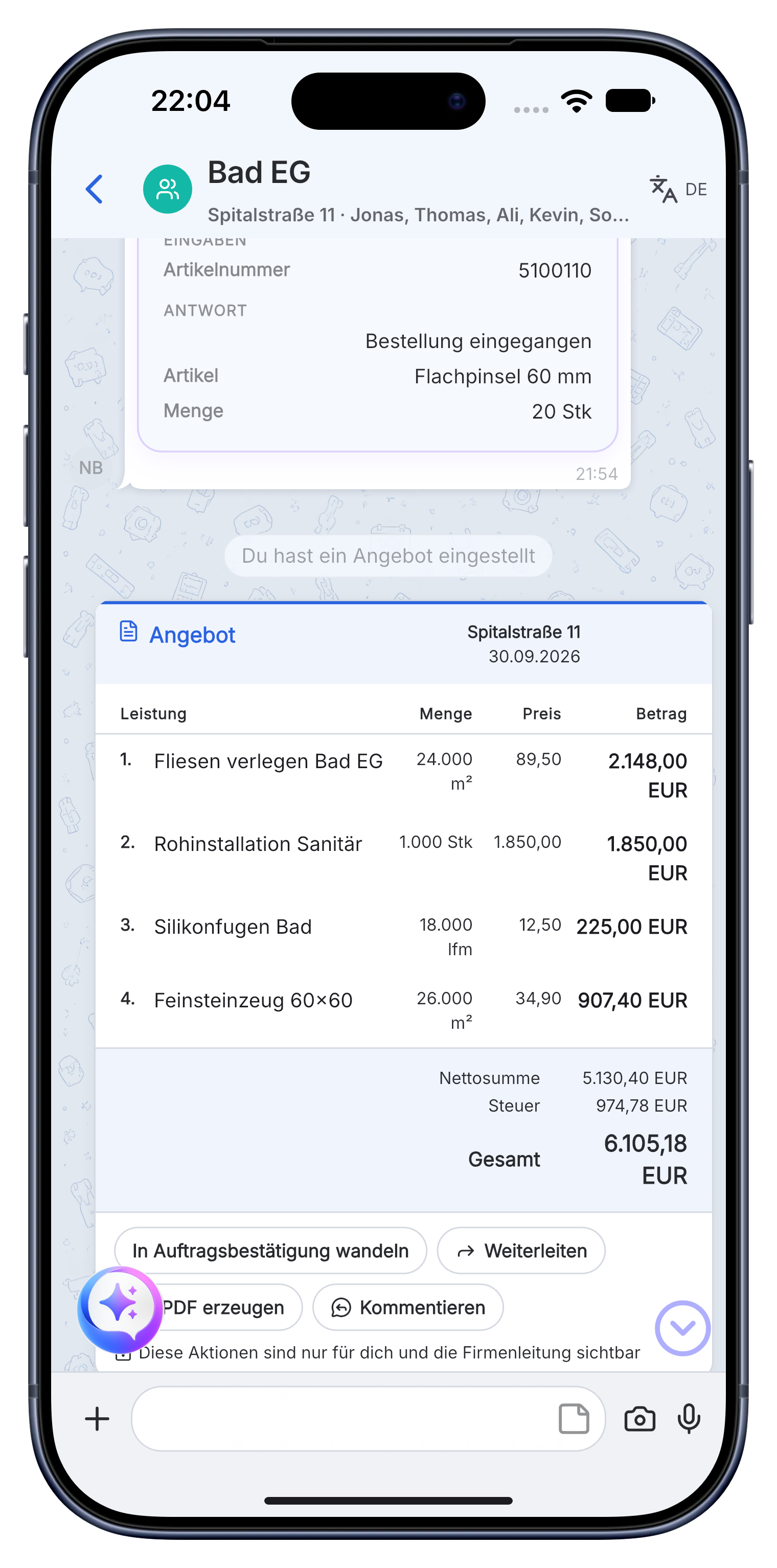
A clear drywall workflow by room and floor.
Skava is a simple messenger for the team. Chat, photos, subchats, tasks, documents and billing stay connected without the setup of a heavy ERP.
Prepare areas, build-ups and finishes before installation.
Measurements, plans and customer requirements go into the project chat. Service items keep walls, ceilings, insulation and finishing levels clear.
- Record square meters, profiles, boards, insulation and filler.
- Use subchats for rooms, floors or construction sections.
- Create tasks for framing, boarding, joints and ceilings.
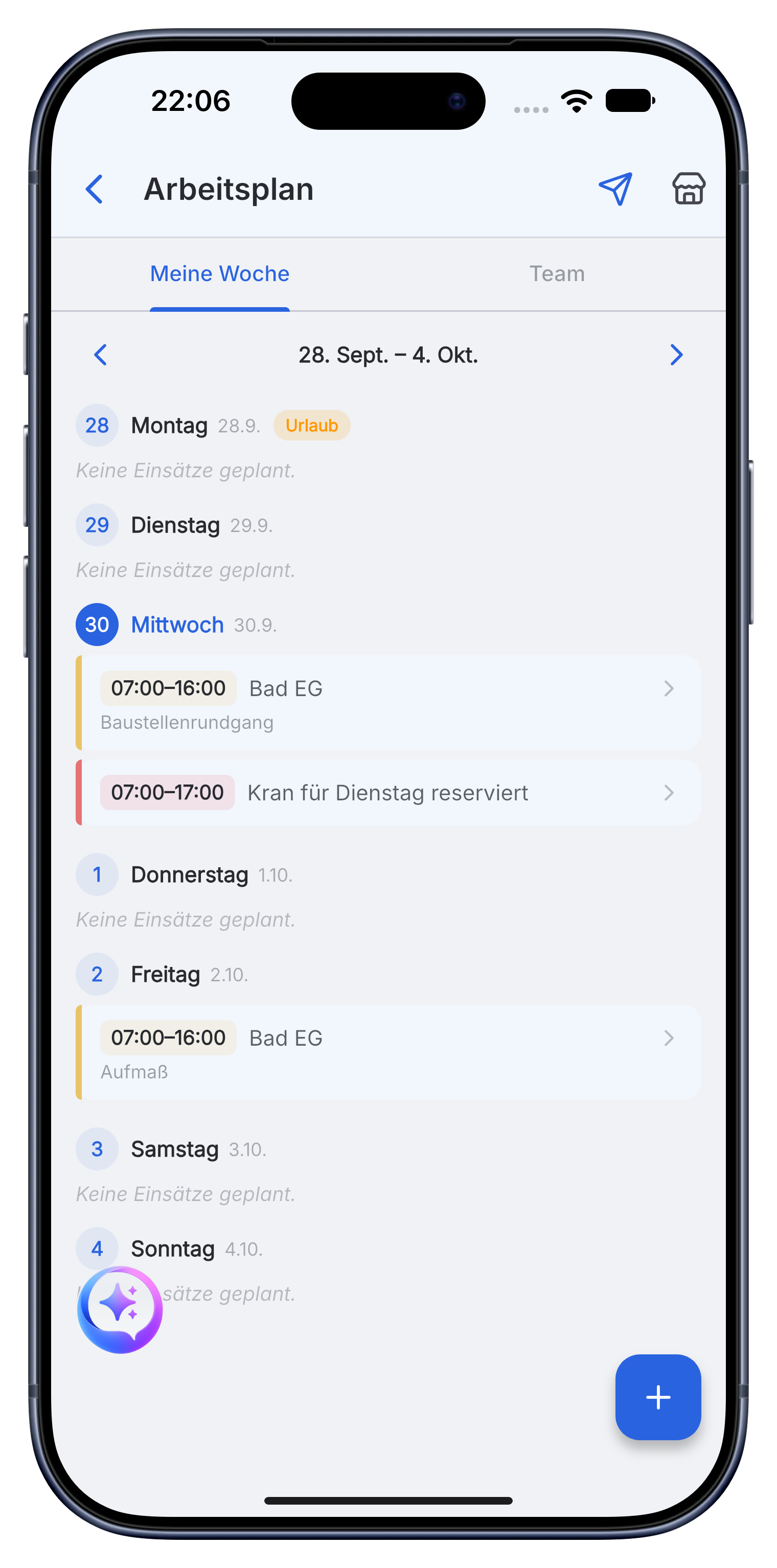
Coordinate crews and document every completed section.
Photos, material notes and open tasks stay with the room or floor. The office and site team see the same progress without separate message groups.
- Document framing, installations, boarding and finished surfaces.
- Assign remaining work and acceptance points to the team.
- Store plans, product sheets and photo proof in the project.
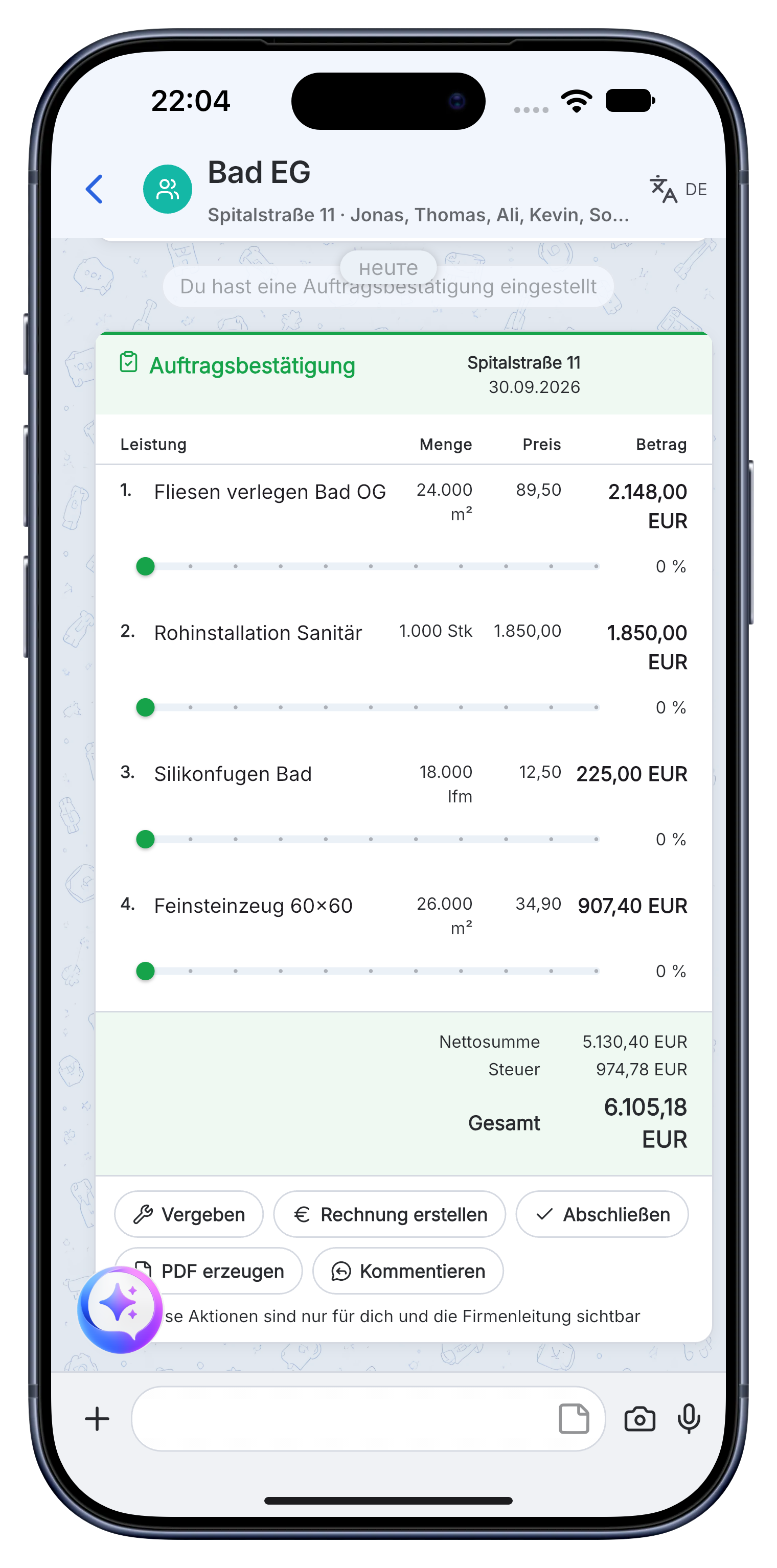
Complete acceptance and invoice the documented drywall work.
Use measured areas and completed service items for the invoice. Keep acceptance notes, final photos and payment status in the same project.
- Create offers and invoices with company details, prices and VAT.
- Send the invoice as a PDF to the customer or accounting.
- See whether the invoice is open, sent or paid.
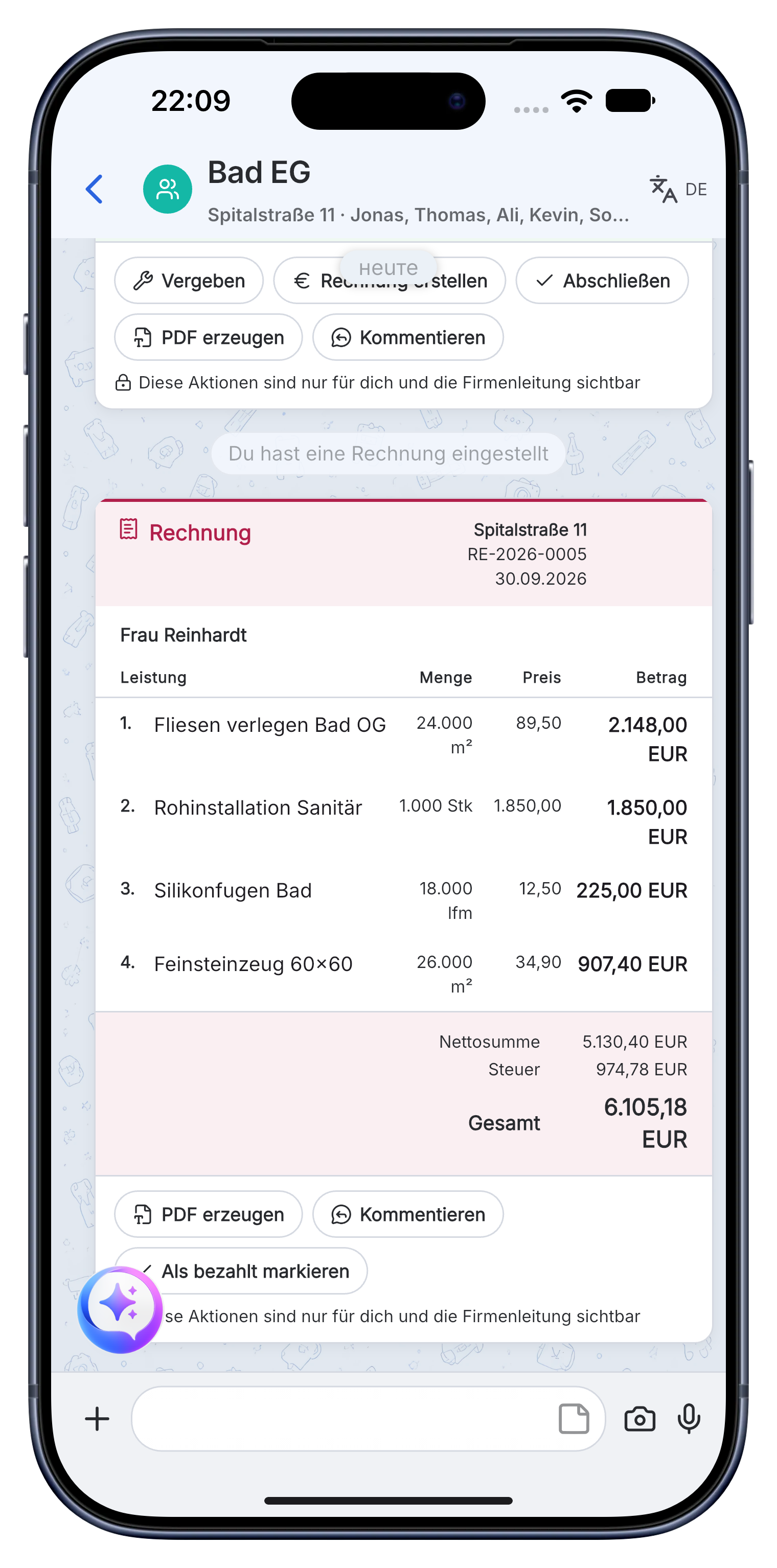
Measurement, build-up, team tasks, progress photos, proof, acceptance and invoice stay together for every room and floor.
A practical workflow in Skava.
Frequently asked questions.
Is Skava an ERP system for drywall businesses?
No. Skava works like a messenger. The team chats in projects and subchats, shares photos and documents, assigns tasks and follows invoices. There is no complex ERP setup.
How does a drywall job run in Skava?
Measurement, service items, team coordination, proof, acceptance, invoice and payment status all stay in one project.
What does the Skava drywall app cost?
Chat, projects, tasks and creating invoices are free. Only when an invoice created in Skava is paid through Skava do we charge 1% of the payment amount.
Can I capture wall areas by voice?
Yes. You say the square metres and they land as a line item with a unit in the subchat. The arithmetic stays with you, the retyping in the evening does not.
How do I document installations before closing the wall?
With photos into the project before boarding up. If someone later wants to drill or is looking for a cable, the shot is tied to the room and found in seconds.
Can I record materials separately per room?
Yes, through subchats per room or section. Boards, profiles and filler stay assigned to the area where they were installed.
Manage the next drywall job with Skava.
Free to get started. No credit card. Available in the App Store and on Google Play.
More: Electricians · Painters · Plumbing & HVAC · Roofers · Landscaping