
From enquiry to paid invoice: roofing jobs stay in one chat.
Start with the customer request, survey and roof photos. Plan tasks and materials in subchats, then document execution with progress photos and proof. Acceptance, invoice and payment status stay in the same project. Skava is a messenger, not a heavy ERP.
Prefer desktop? Open the web app. Your projects stay in sync.
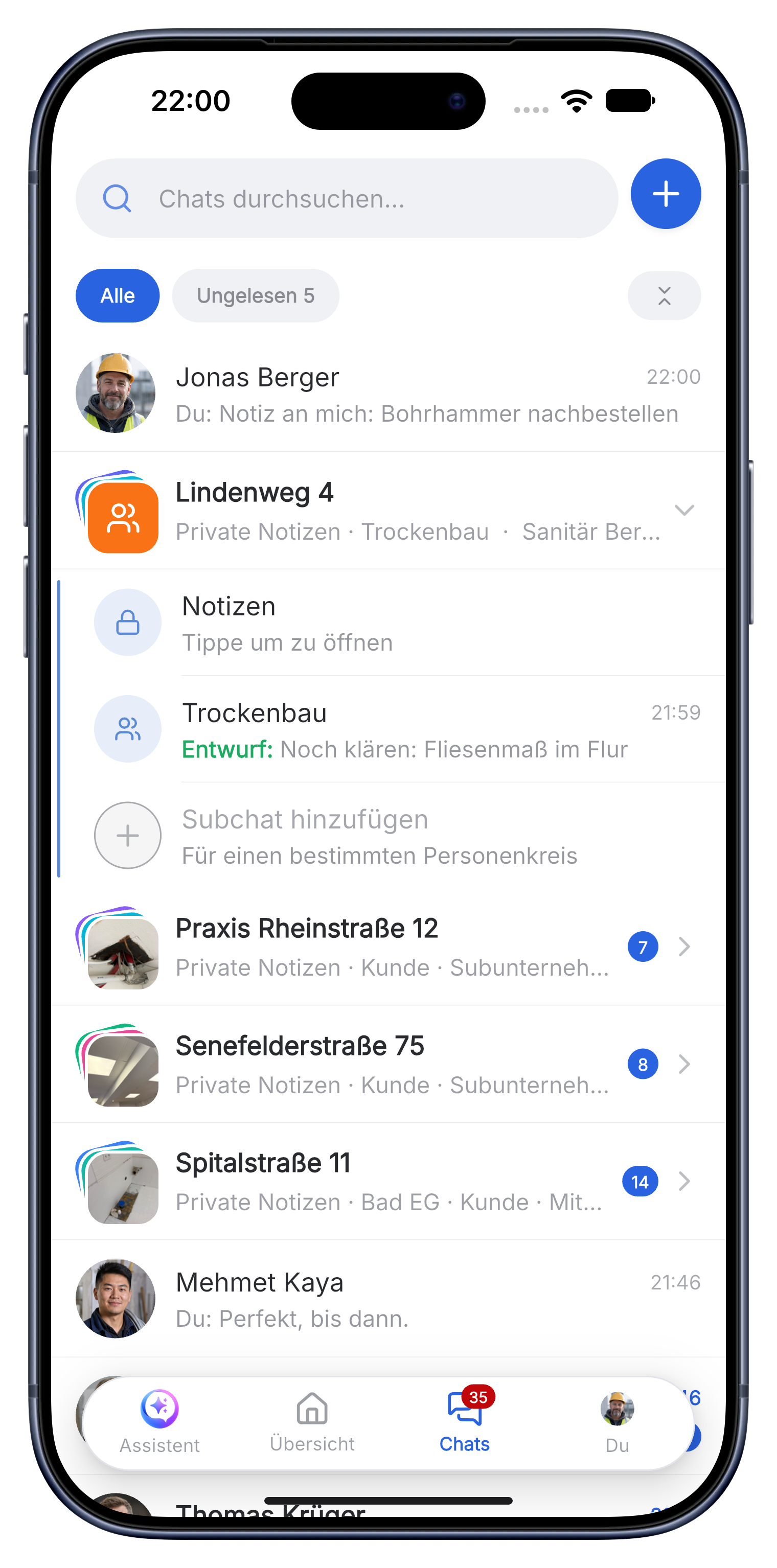
A clear roofing workflow from survey to payment.
Skava is a simple messenger for the team. Chat, photos, subchats, tasks, documents and billing stay connected without the setup of a heavy ERP.
Prepare the roof job with measurements and clear photos.
The request, damage photos, dimensions and customer notes go into the project chat. Subchats separate survey, material and execution.
- Record roof area, gutters, edges, penetrations and access details.
- Attach plans, aerial images and close-ups to the project.
- Create tasks for scaffolding, delivery and the roofing team.
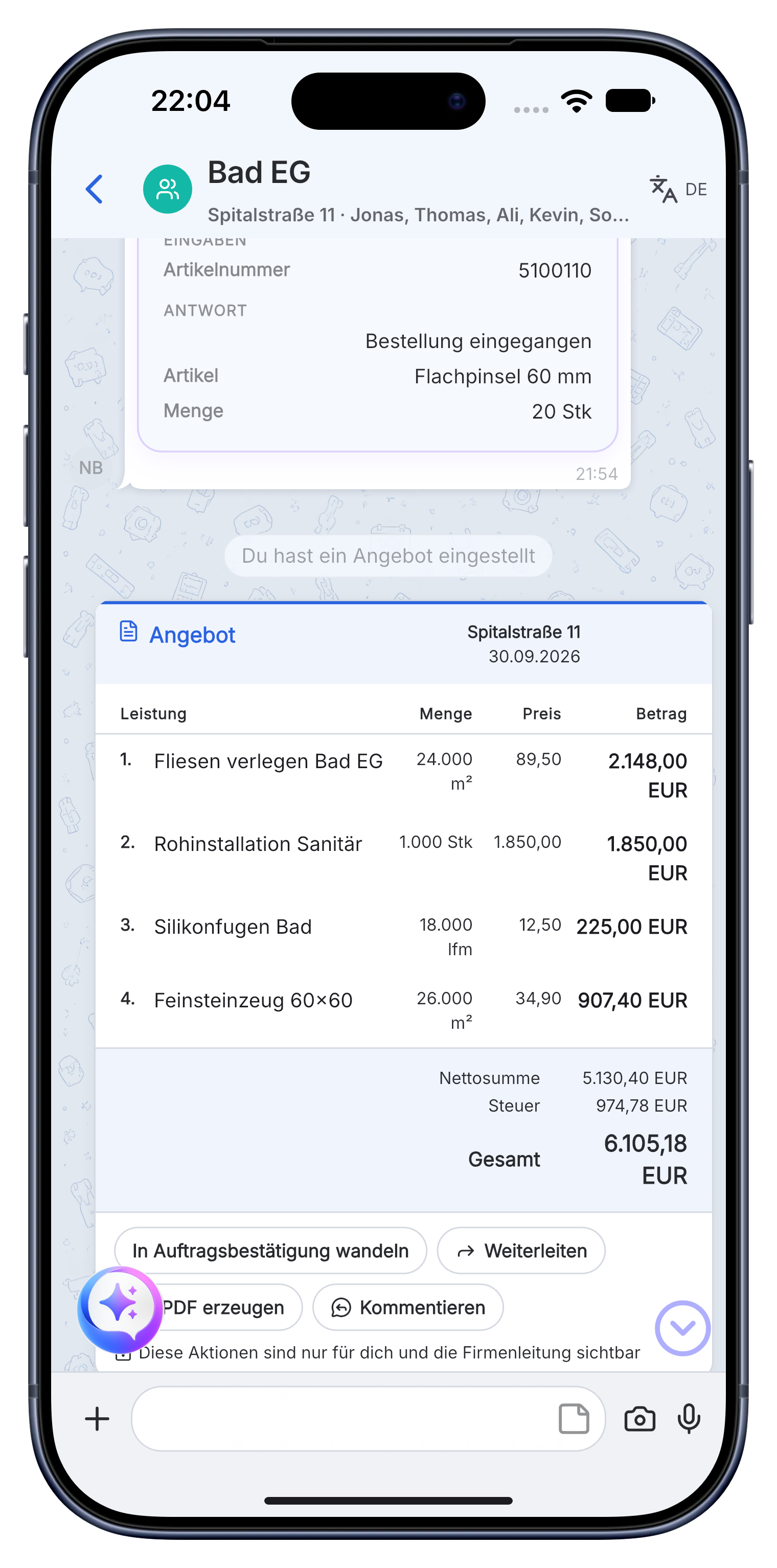
Document each stage of the roof while work is in progress.
Progress photos, installed material and completed service items stay with the job. The office and site team can resolve questions in the right subchat.
- Keep before, during and after photos in a traceable sequence.
- Record tiles, membranes, insulation, gutters and quantities.
- Store proof and documents for warranty and handover.
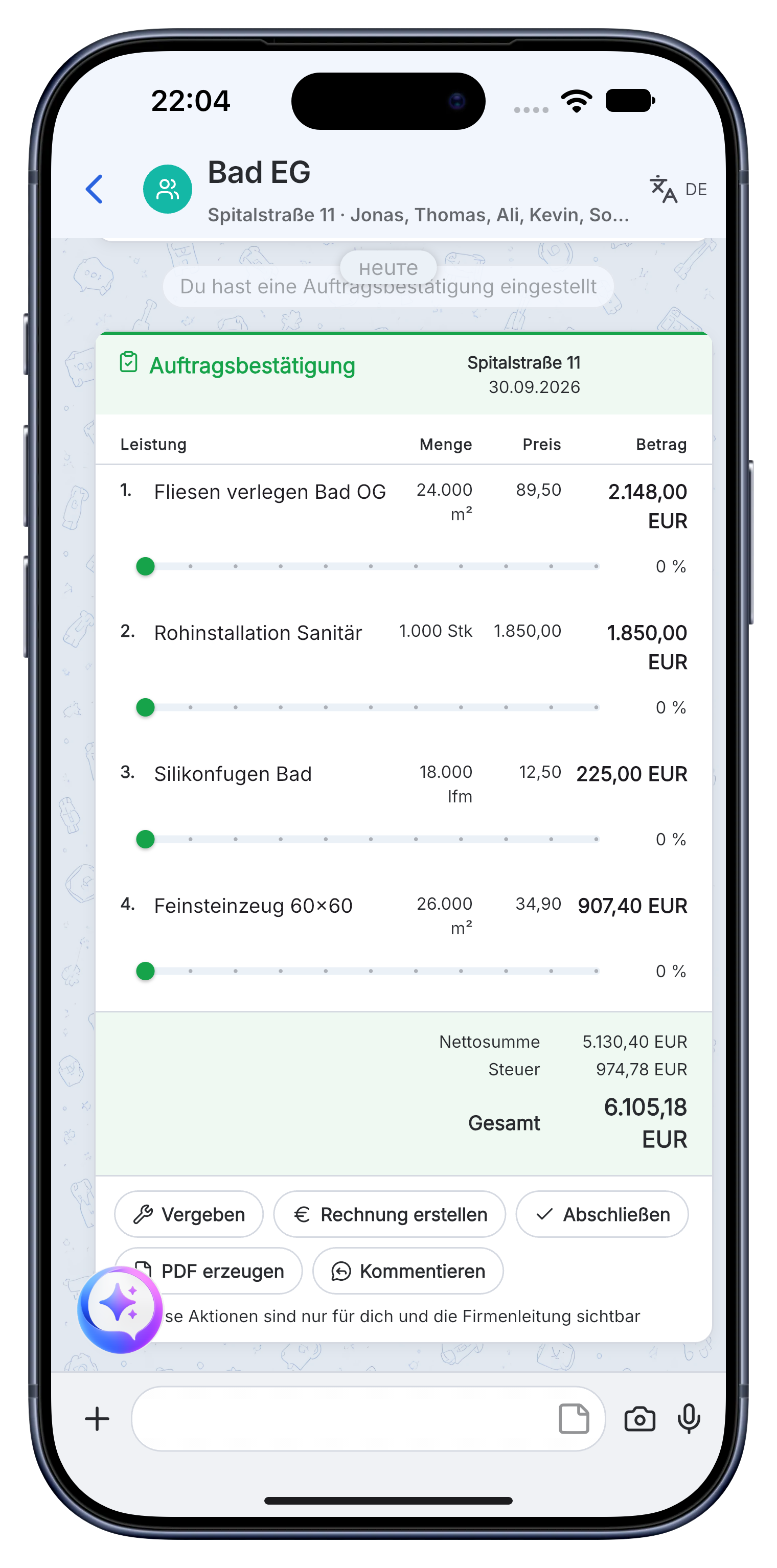
Complete acceptance and invoice the documented roof work.
Use the measured quantities and completed work for the invoice. Send the PDF and keep the payment status visible in the project.
- Store acceptance notes and final photos with the job.
- Create an invoice with company details, prices and VAT.
- See whether the invoice is open, sent or paid.
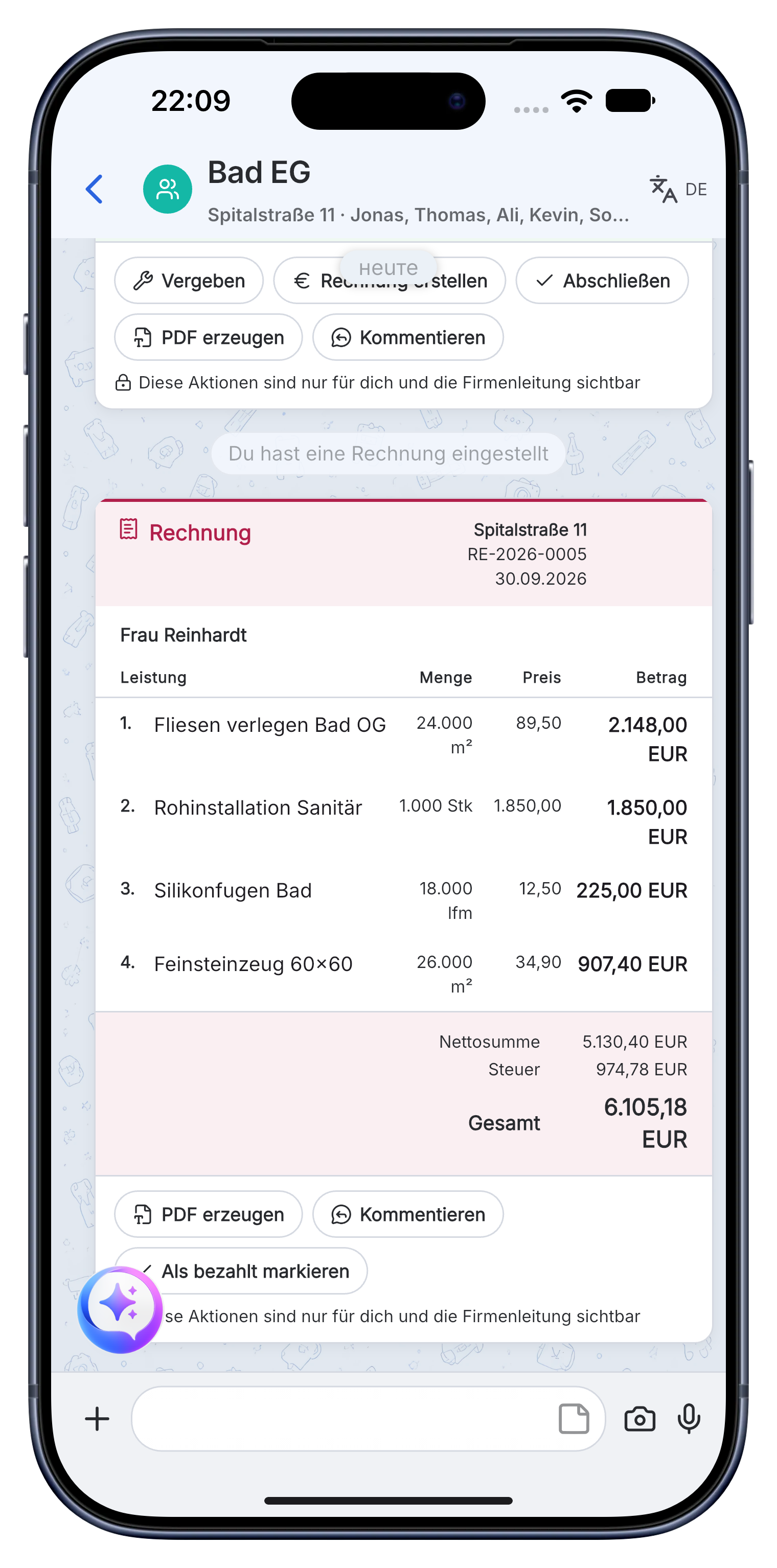
Request, roof measurements, damage photos, materials, progress proof, acceptance and invoice remain in one project until payment.
A practical workflow in Skava.
Frequently asked questions.
Is Skava an ERP system for roofing businesses?
No. Skava works like a messenger. The team chats in projects and subchats, shares photos and documents, assigns tasks and follows invoices. There is no complex ERP setup.
How does a roofing job run in Skava?
Enquiry, survey and photos, execution, proof, acceptance, invoice and payment status all stay in one project.
What does the Skava roofer app cost?
Chat, projects, tasks and creating invoices are free. Only when an invoice created in Skava is paid through Skava do we charge 1% of the payment amount.
How do I record the condition of the roof before starting?
With photos straight from the app into the project, with date and time. If there is a later dispute about pre-existing damage, the shot is tied to the job instead of scattered in a phone gallery.
Can I record weather delays?
Yes, as a dated entry in the project. If someone asks about the schedule extension at the end, the reason sits in the same history as the work.
Does the app work with gloves on the roof?
The voice recording needs one button press, then you dictate. That is exactly what it is built for: nobody types a report up on a roof, but speaking one takes ten seconds.
Manage the next roofing job with Skava.
Free to get started. No credit card. Available in the App Store and on Google Play.
More: Electrician · Plumbing & heating · Painters · Landscaping · App for drywall contractors